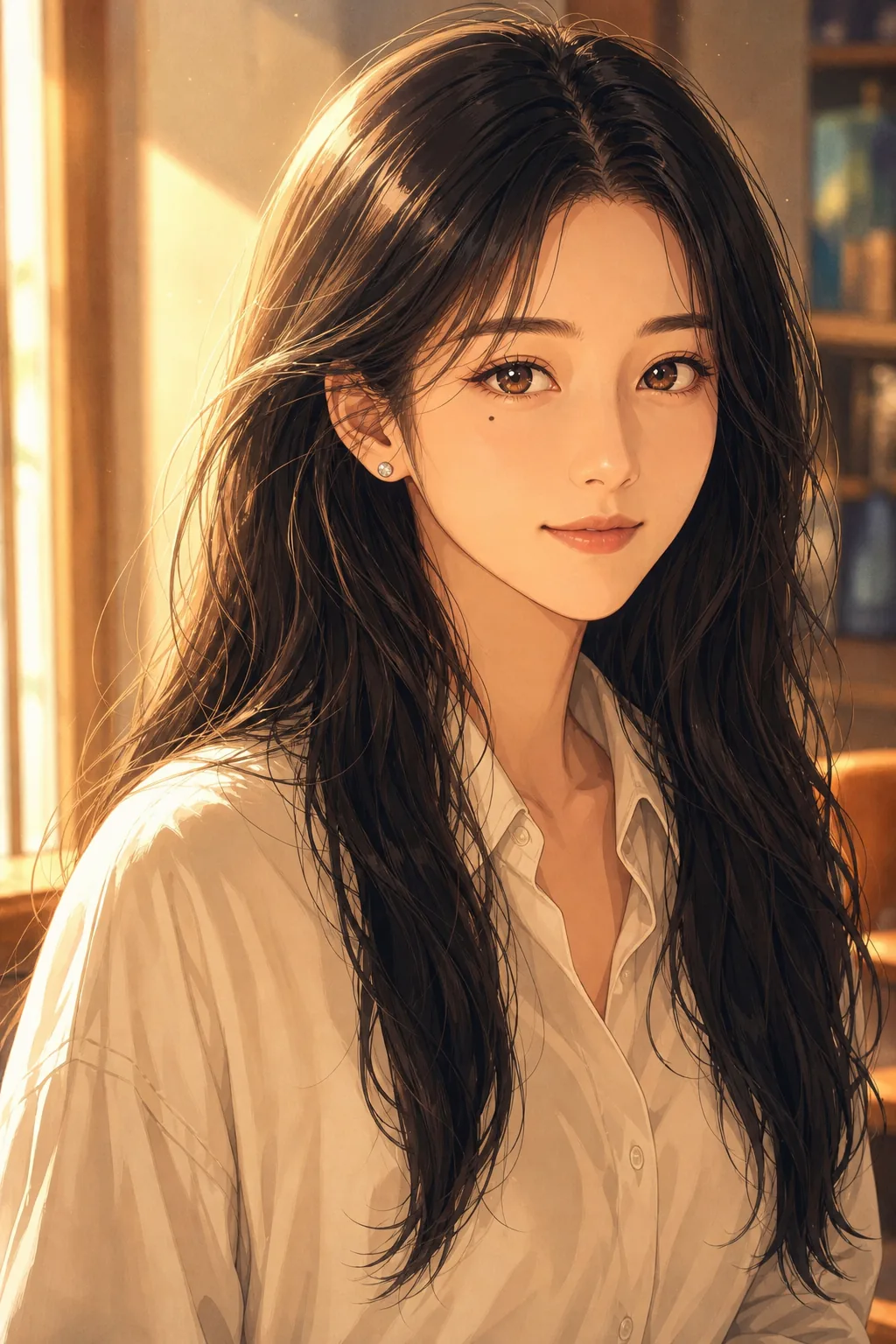
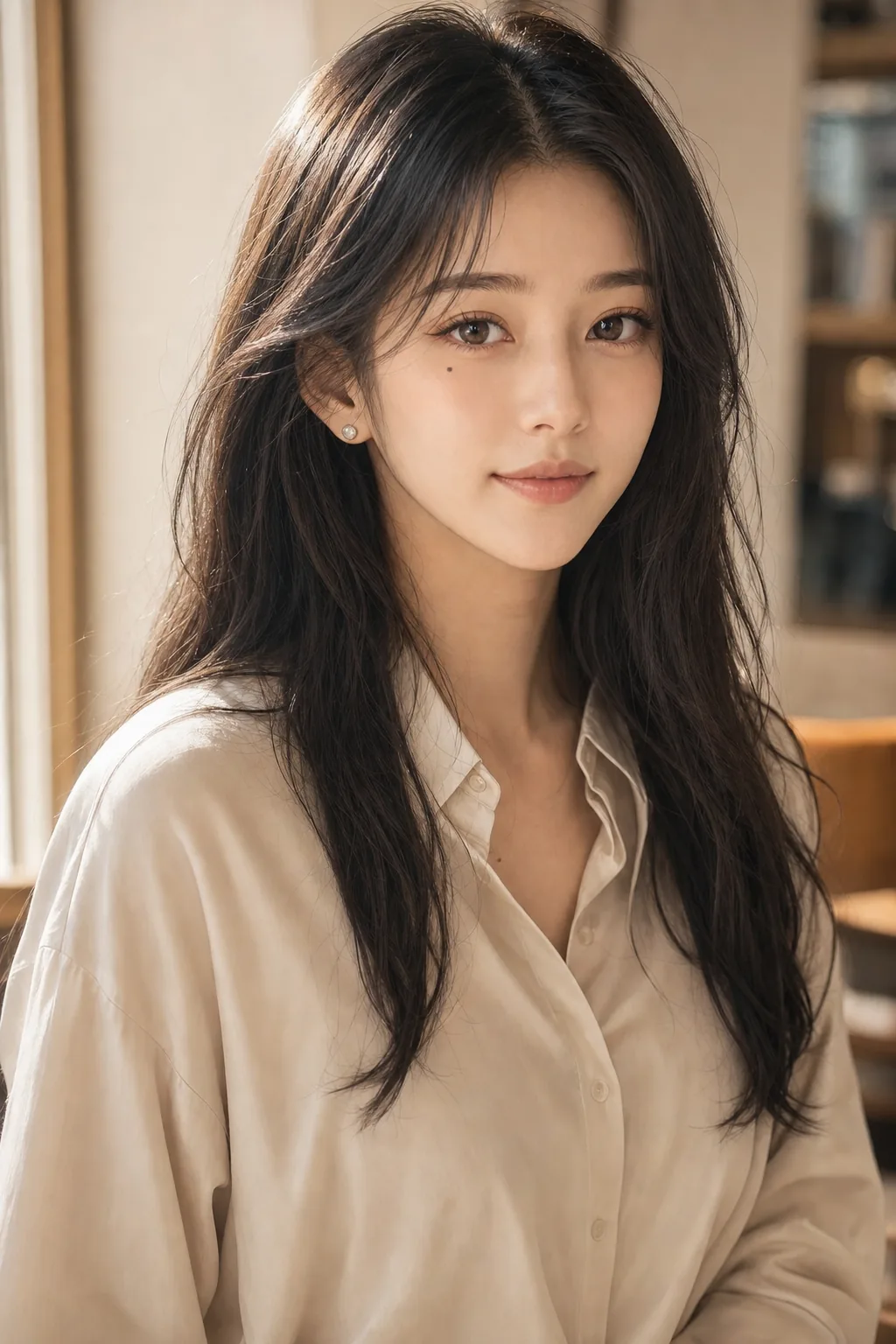
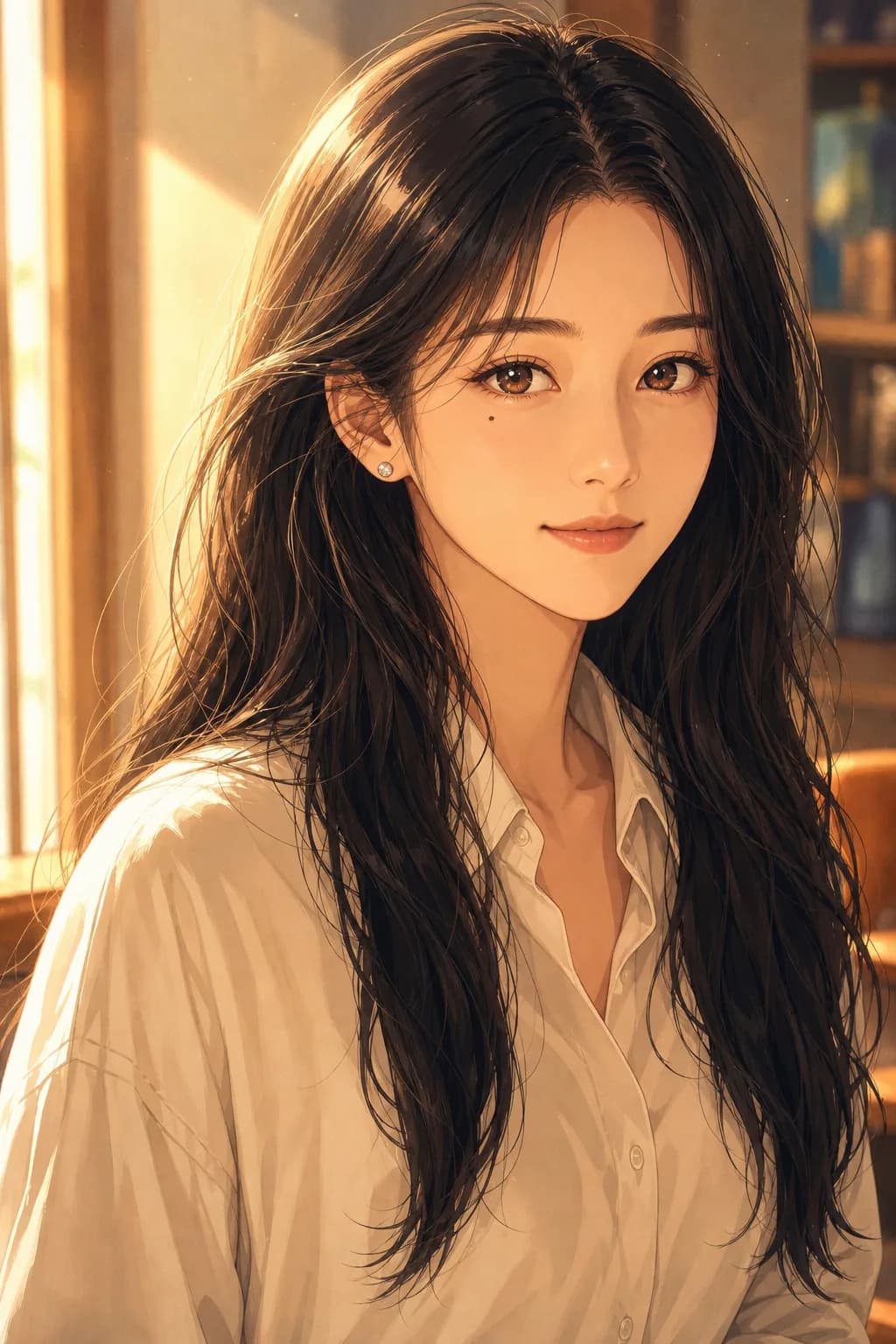
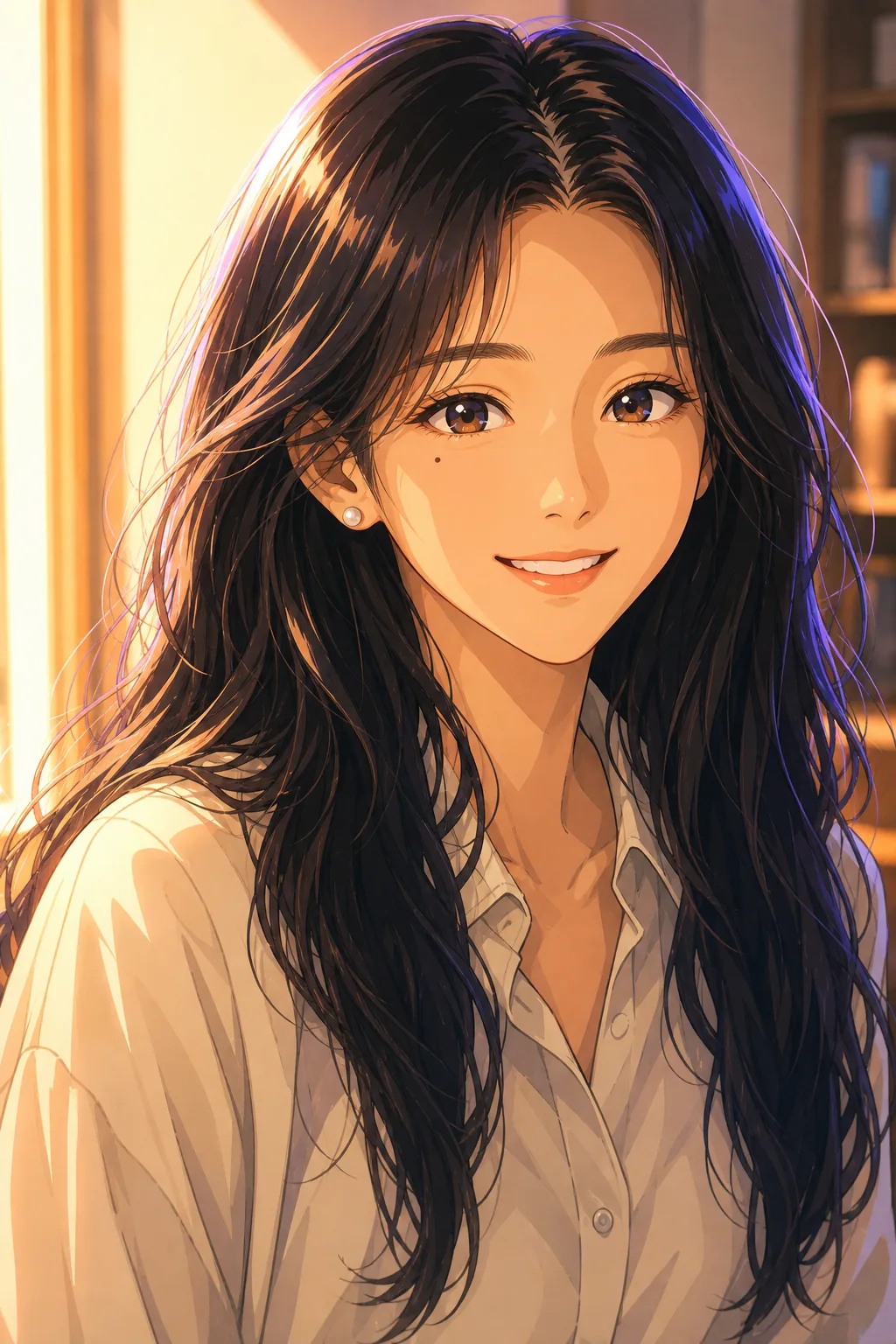
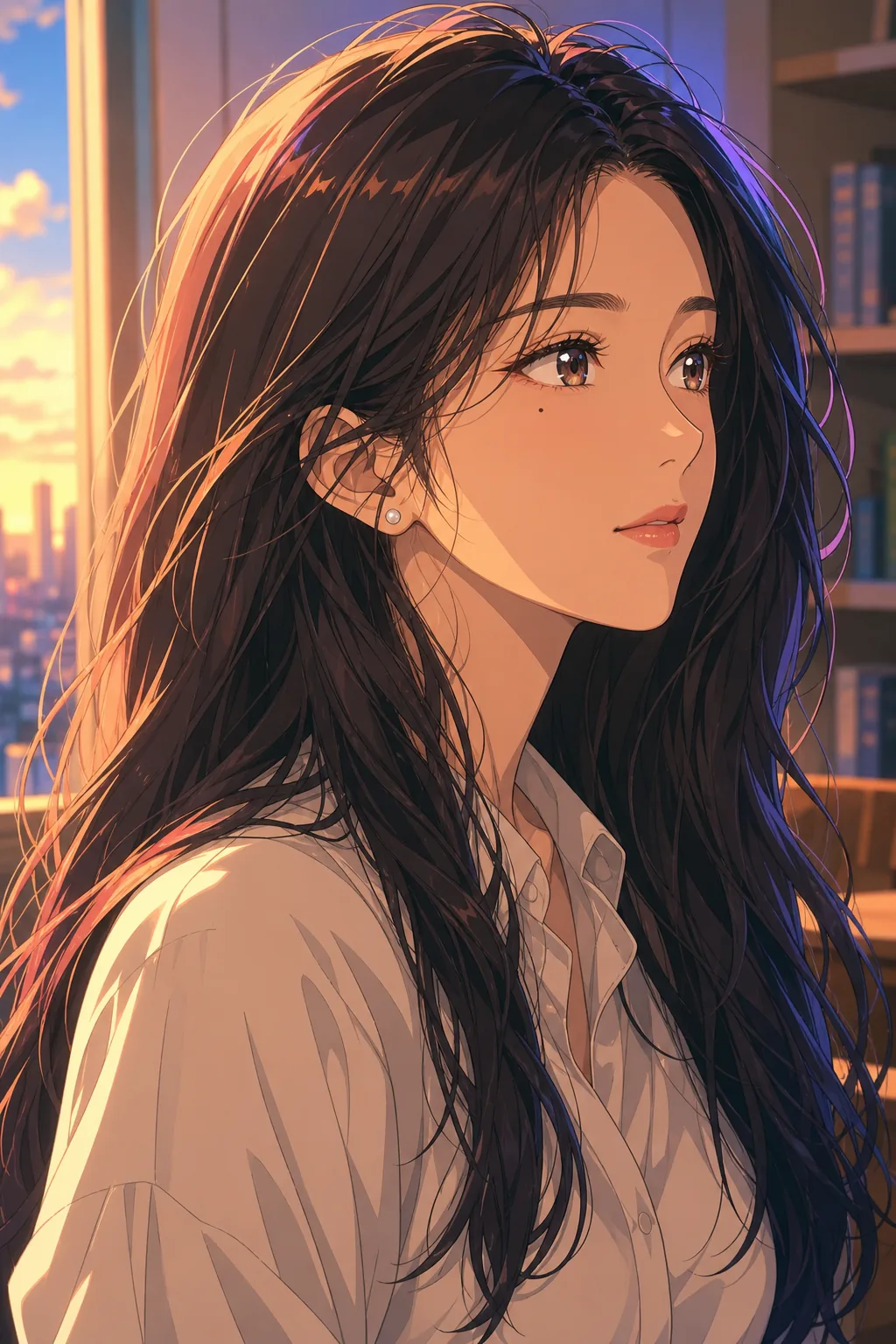
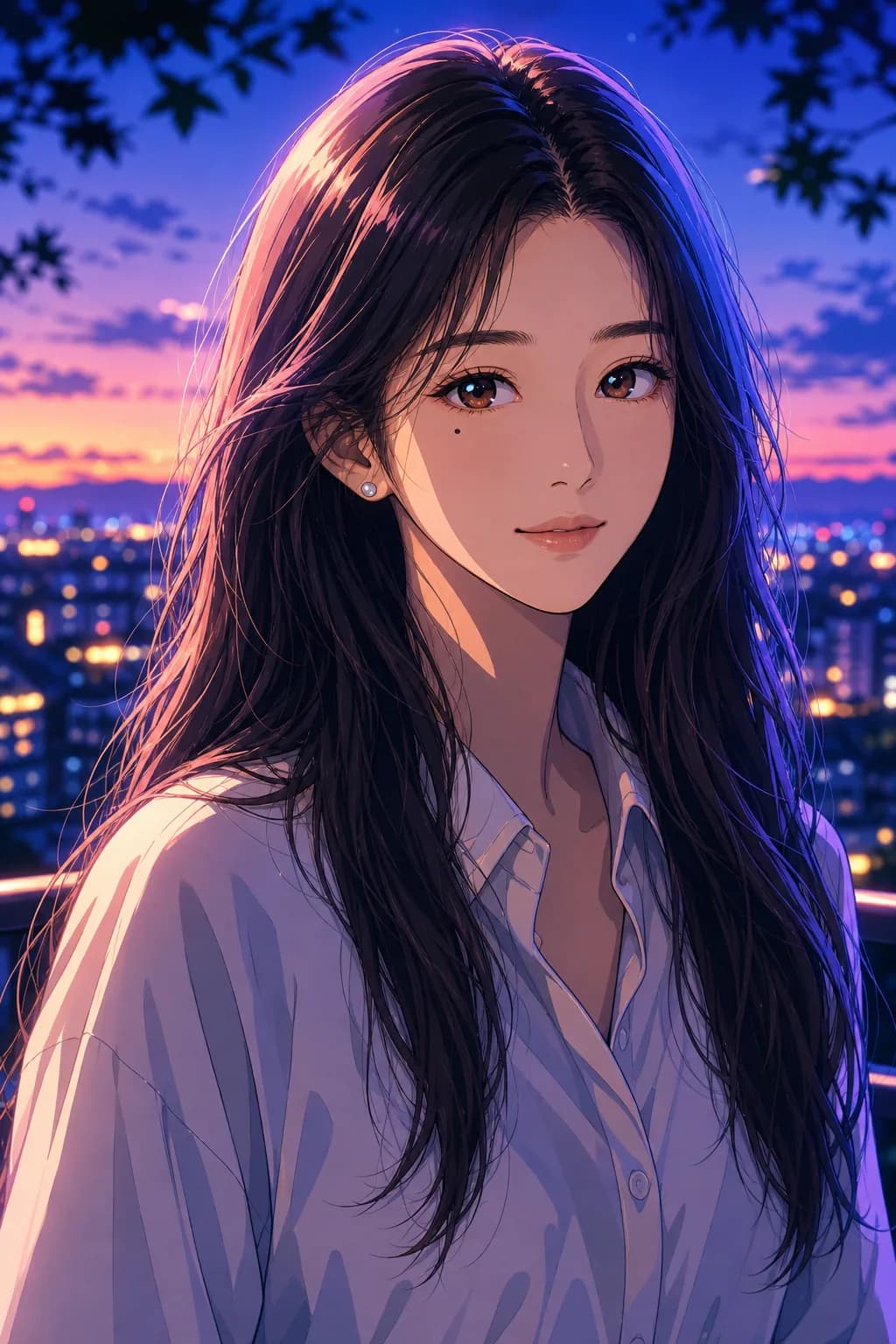
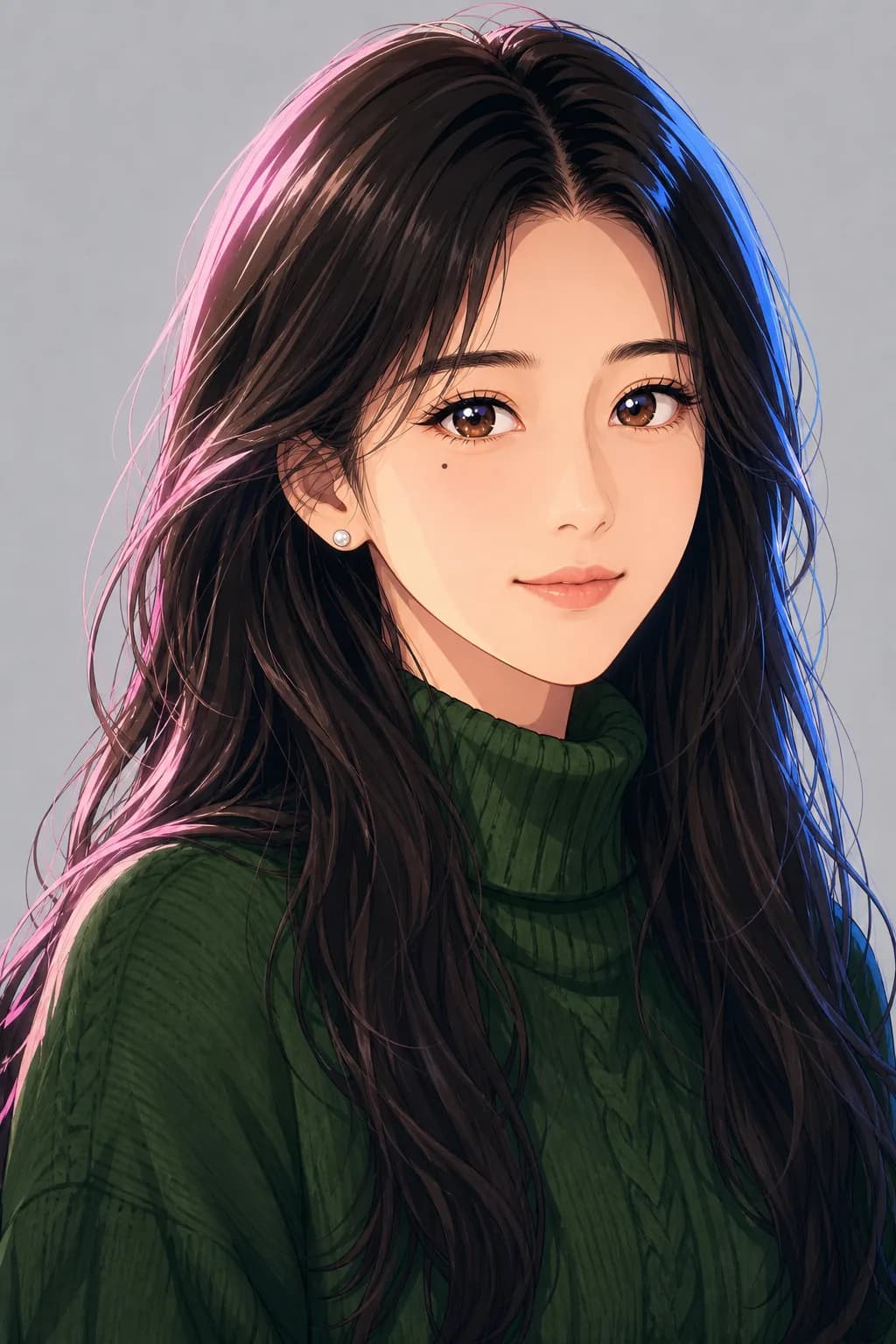
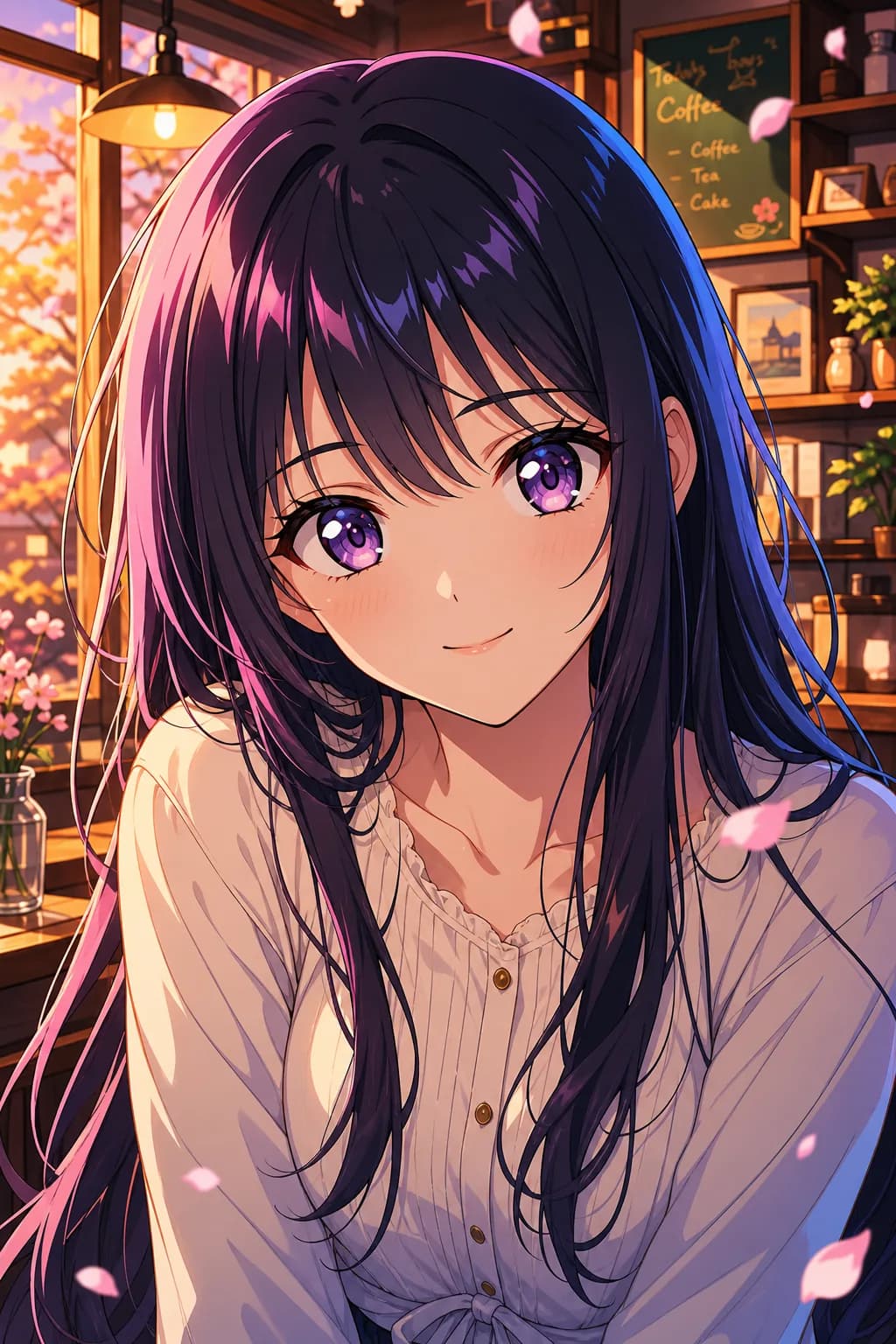
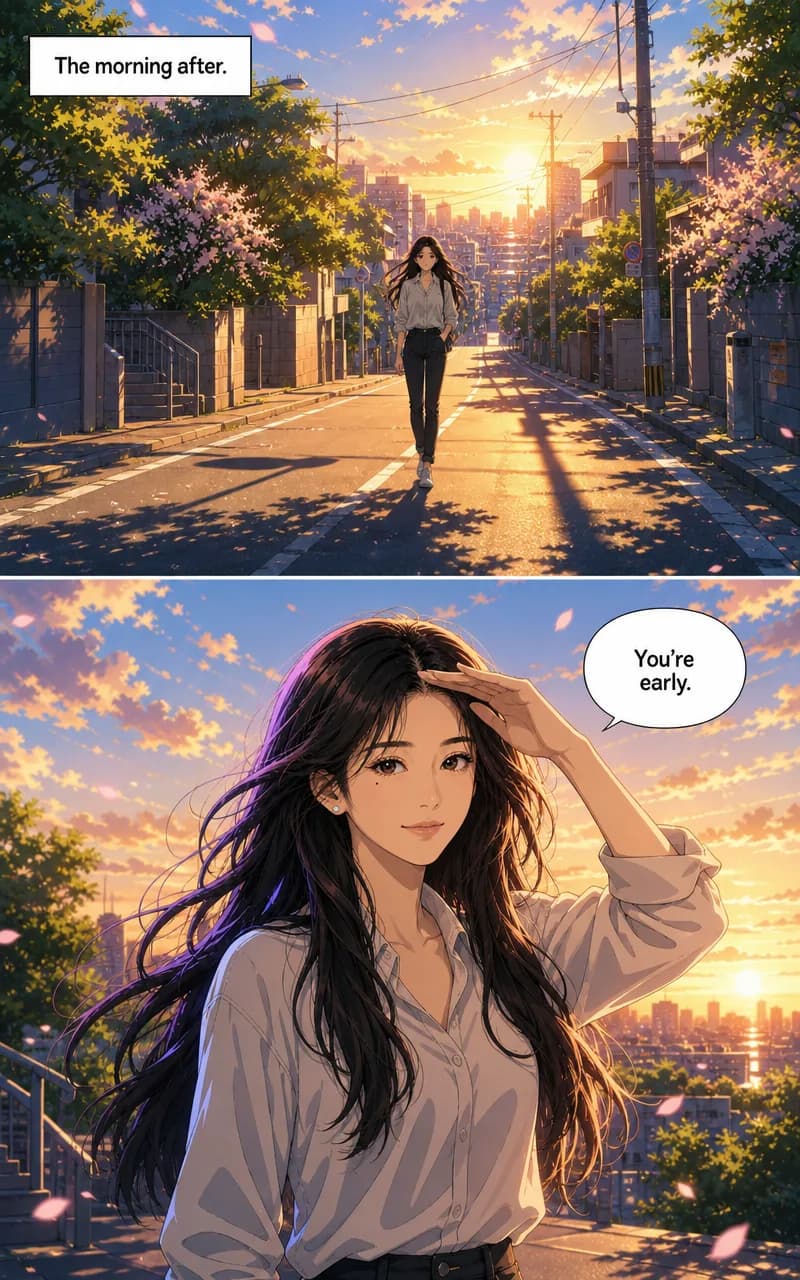
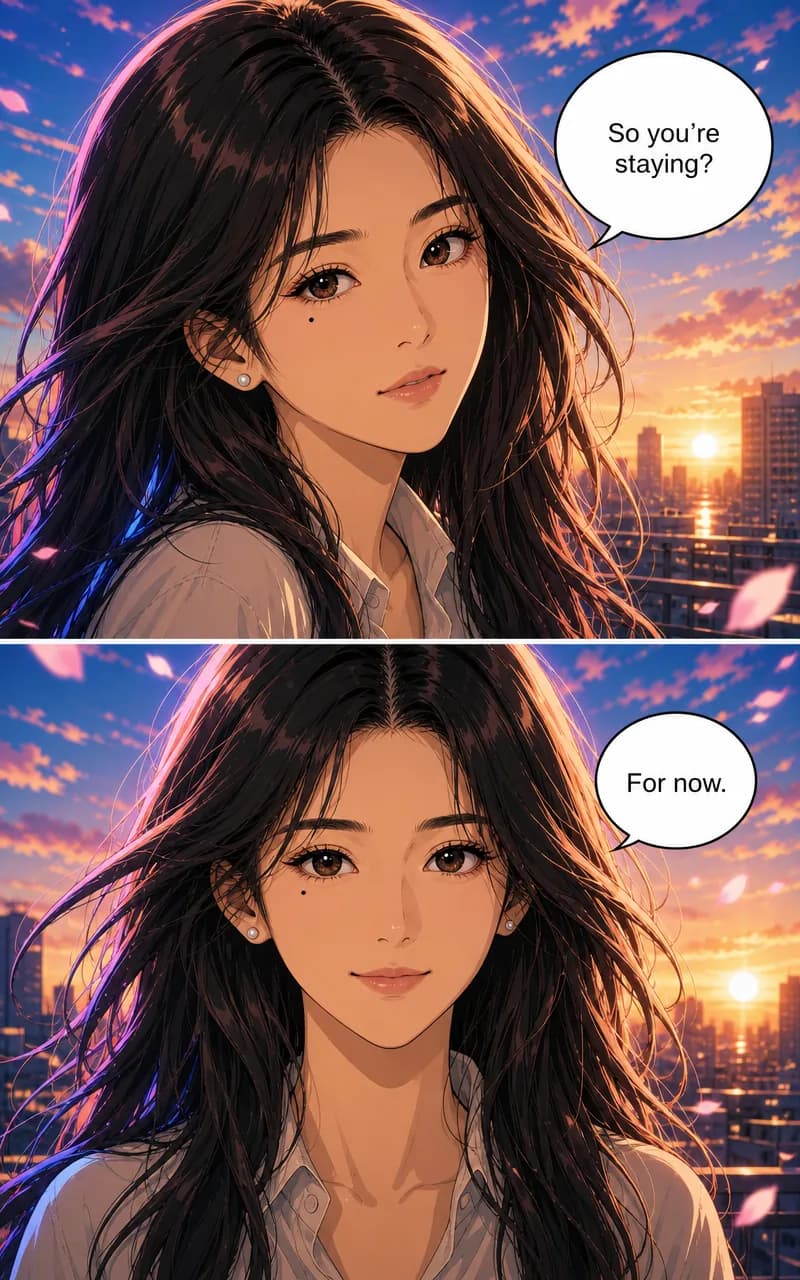
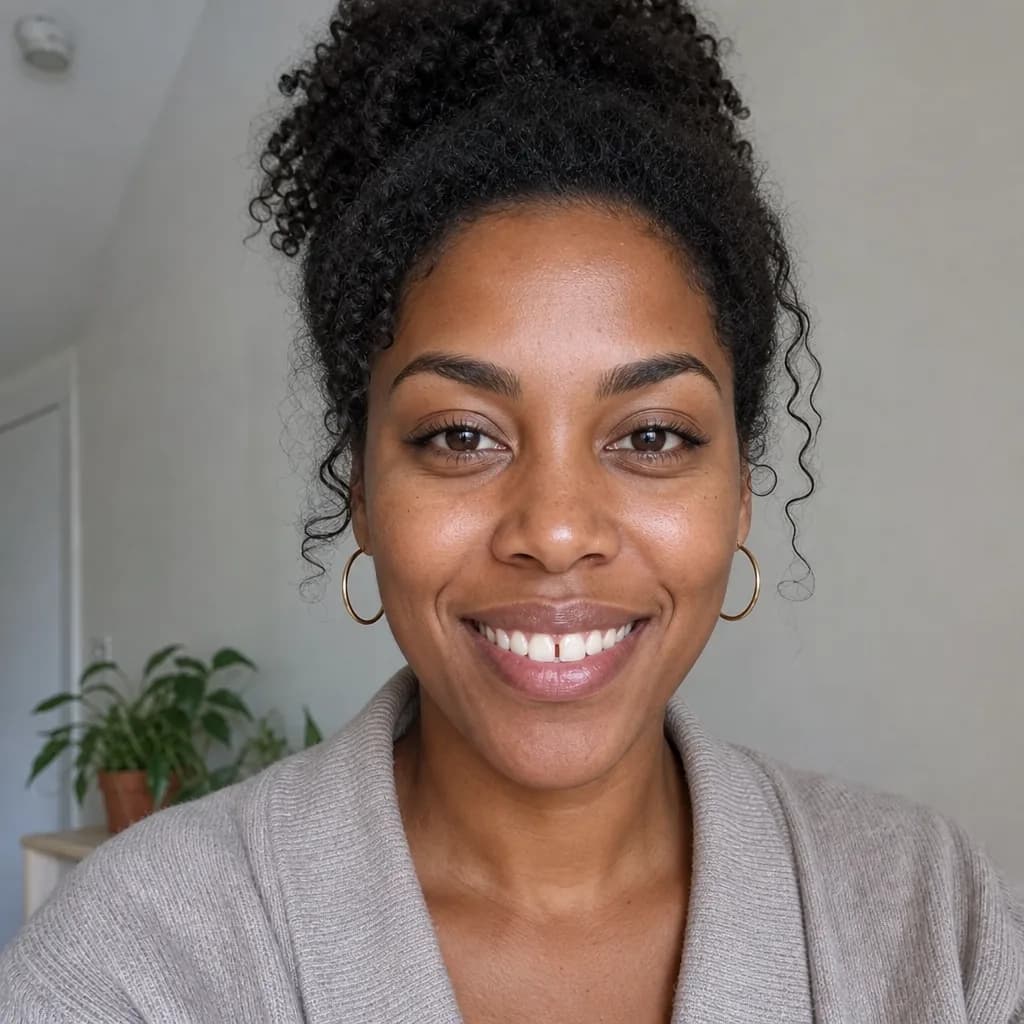
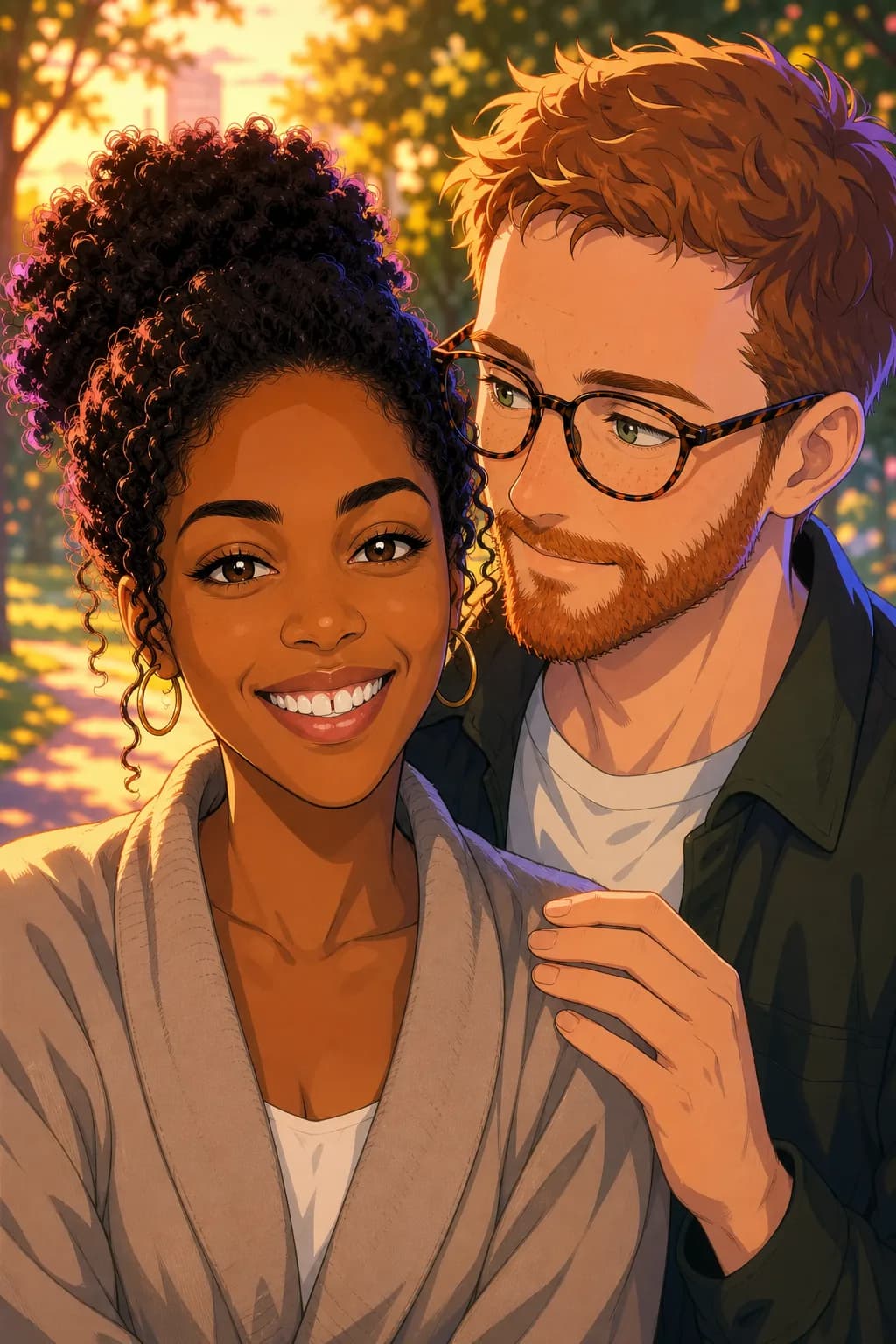
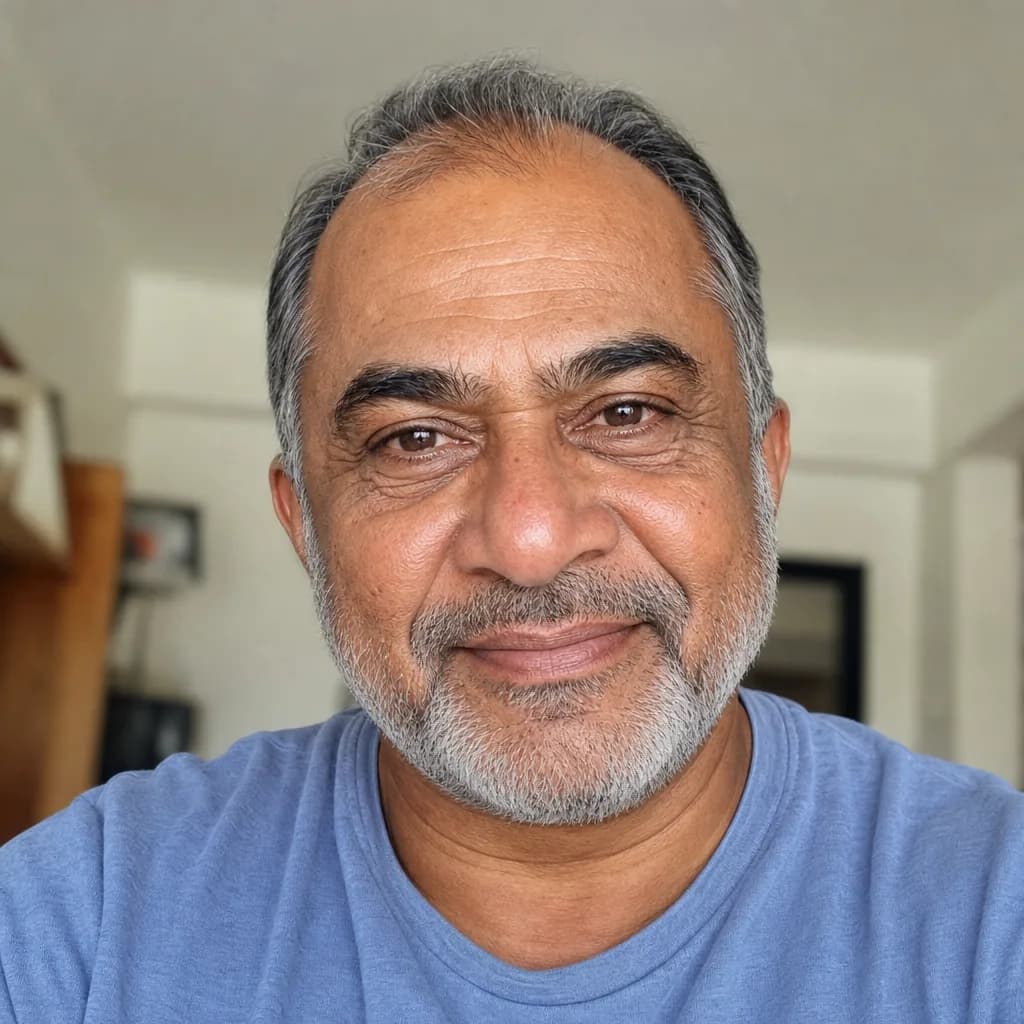
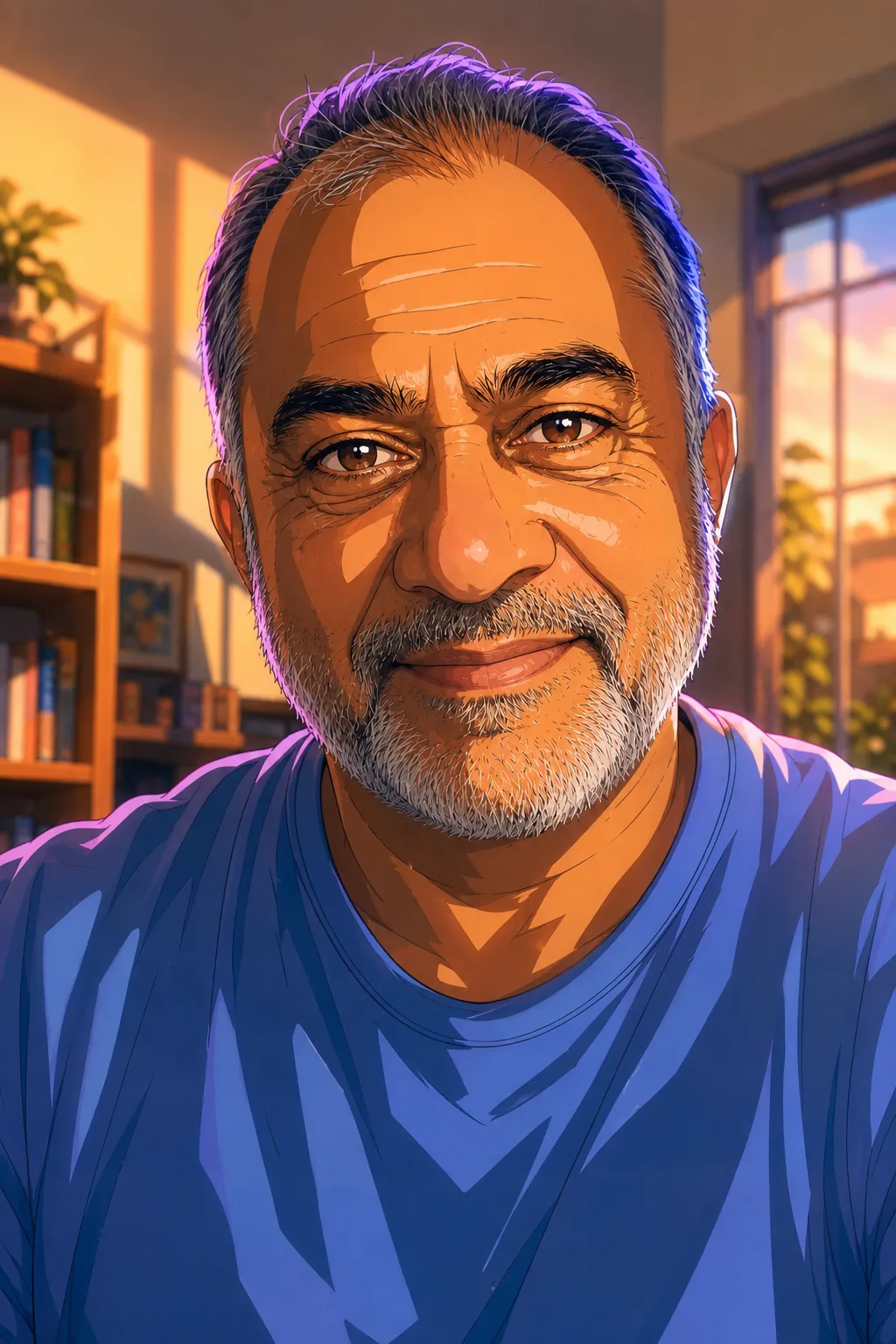
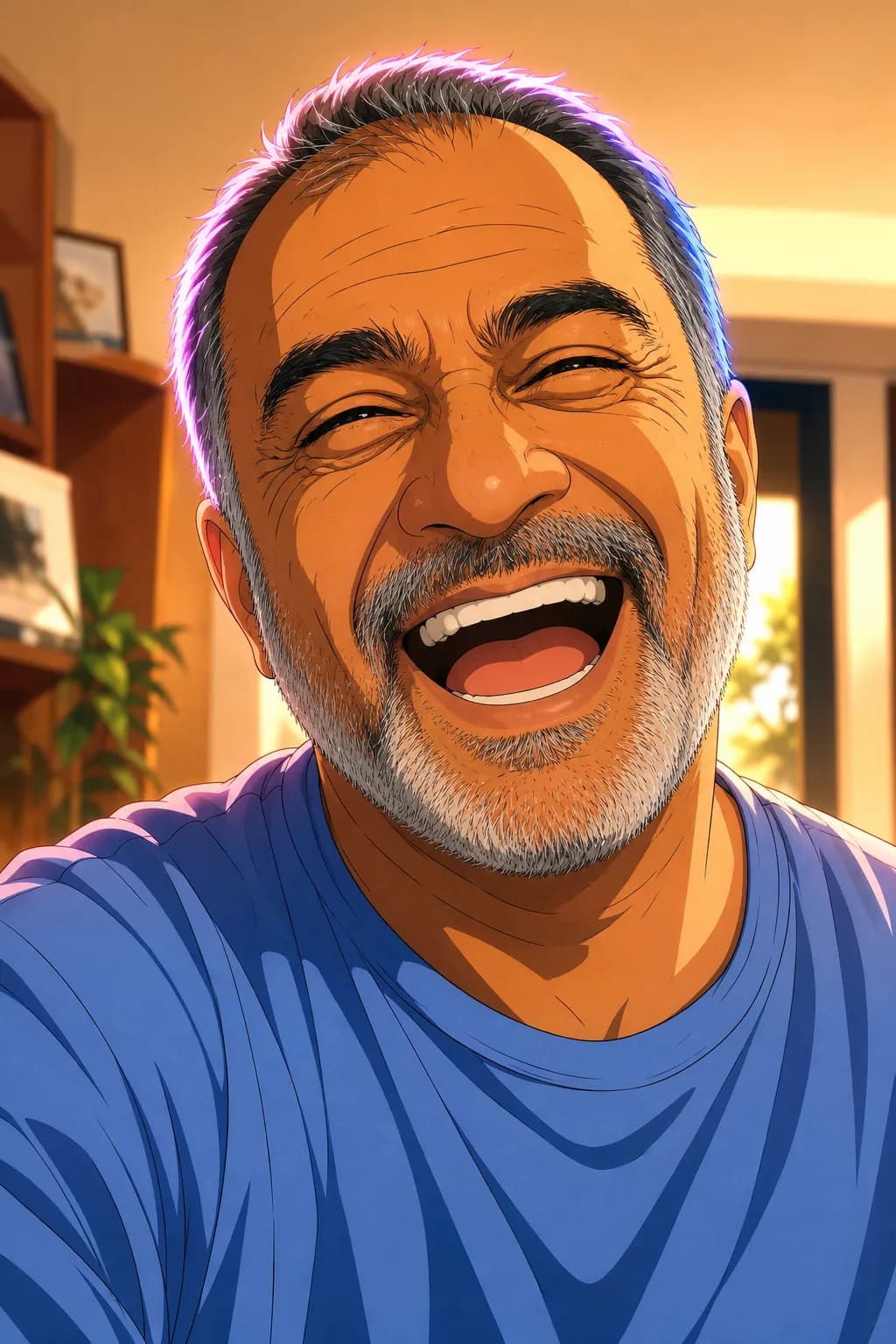
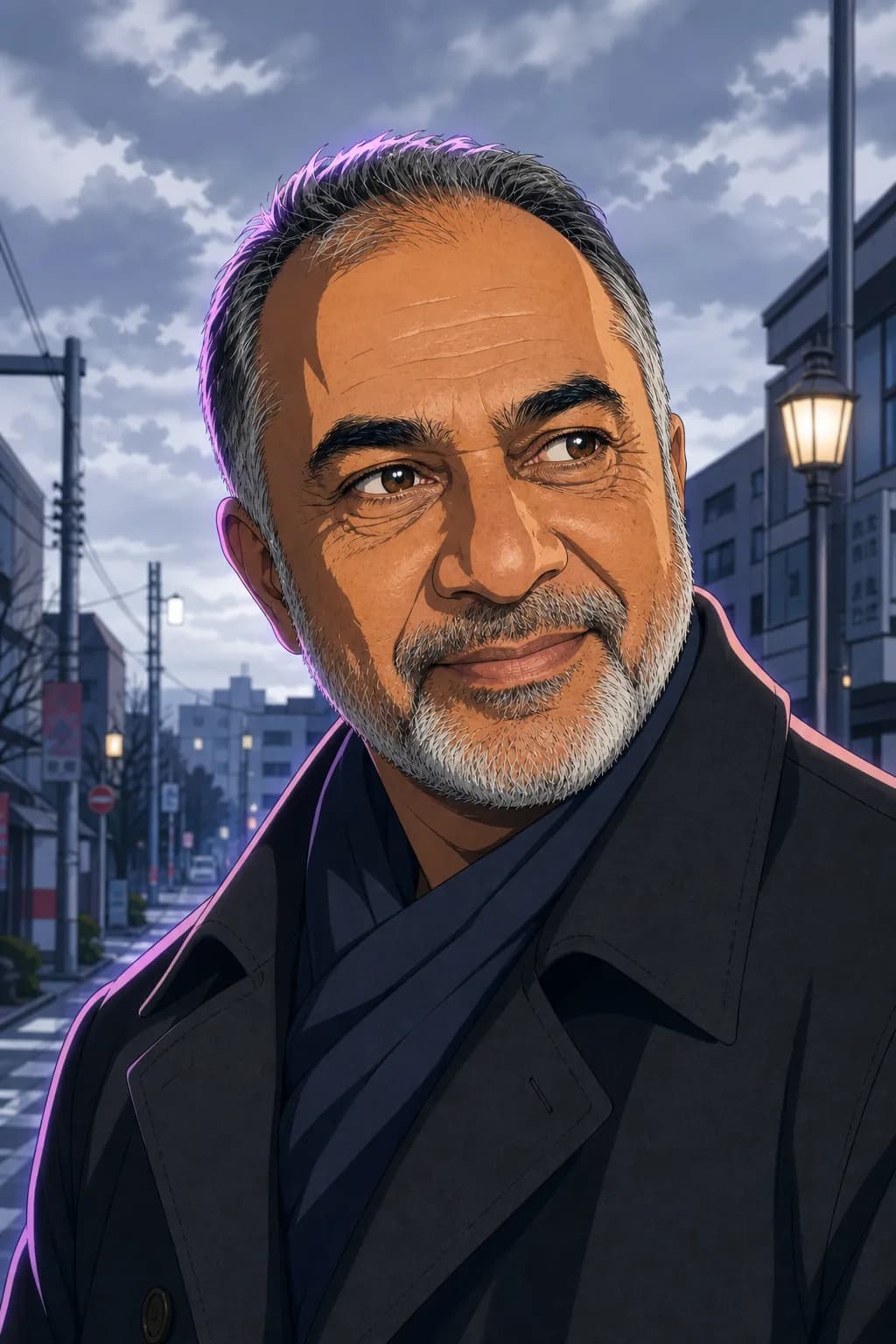
Animefy your photo.
Or your whole story.
Turn a photo, a character description, or a full story into anime. Get one anime portrait, or a full multi-page anime comic with the same character locked across every panel.
Free account. Cancel anytime. Plans from $9.99/mo.
By the TaleAtelier Editorial Team — last reviewed
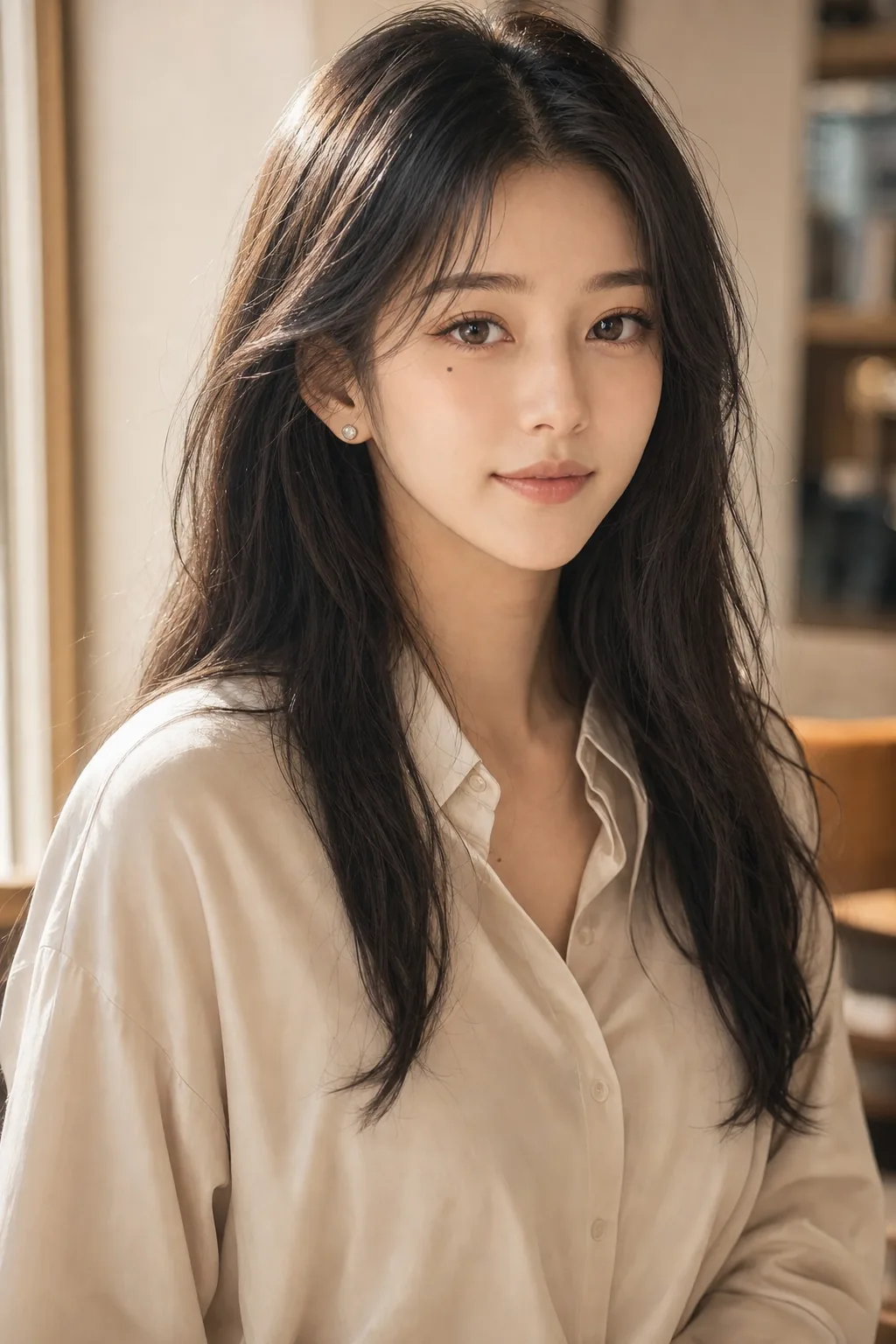

Animefy is the shorthand for turning a photo into an anime image. Most tools stop there — one photo in, one anime picture out. TaleAtelier does that too, but the primary workflow is a full anime comic: upload a photo (or describe a character in text, or paste a story), pick an anime style, and generate a 4-400 page anime comic with the same character locked across every panel. Free account, plans from $9.99/mo.
Anime filter vs anime comic — what “animefy” can mean
Most tools ranking for “animefy free” are one-shot face-swap filters. Fast, easy, throwaway. TaleAtelier does that too — but the actual product is a full anime comic generator. Here's the split so you pick the right tool.
An anime filter
One photo in, one anime-style image out. Fast, disposable. Perfect for a profile picture, a one-off social post, or just seeing what you'd look like as an anime character.
Best tools: Canva Animeify (8 free credits), Anifun (100% free), AIAnime (no watermark), AnimifyAI. All free-forever face-swap filters.
An anime comic (this page)
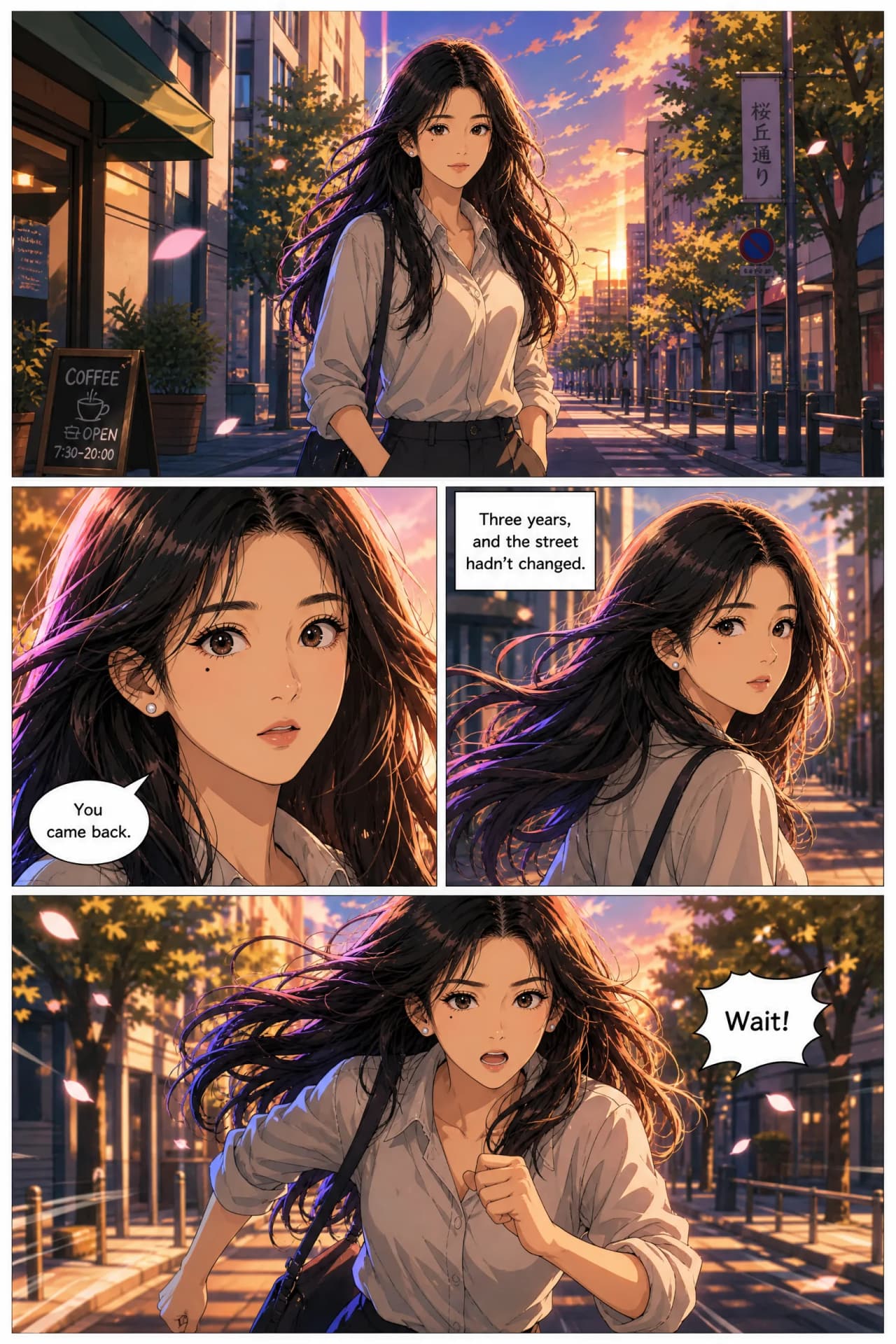
Your photo becomes a locked anime character reference. Same face across every panel of a 4-400 page comic. Or skip the photo — describe the character in text, or paste a story and let the tool generate the whole comic.
TaleAtelier does this. Also outputs single anime portraits if that's all you need. Free account; generation requires a paid plan from $9.99/mo.
| Attribute | Anime filter | Anime comic (TaleAtelier) |
|---|---|---|
| Output | One anime-style image | A single anime portrait — OR a 4-400 page anime comic |
| Character consistency | None — each generation is fresh | Same face across every panel of every chapter |
| Multi-panel comics | Not supported | Yes — up to 400 pages in one job |
| Input options | Photo only | Photo, character description, OR story input |
| Best for | Profile pic, one-off avatar | Anime stories, serialized chapters, character-driven work |
| Typical tools | Canva, AI Ease, Anifun, AIAnime, SNOW | TaleAtelier (this page) |
| Time to result | Seconds | Portrait: 1-2 min. Full comic: minutes to an hour depending on length |
If a single anime profile pic is all you want, a free filter tool is faster. If you want an actual anime comic — even a short one — you're in the right place here.
How to animefy — 3 ways to start
Not every user has a photo to upload. Not every user wants to upload one. Three paths cover every intent.
- 01
Upload a photo
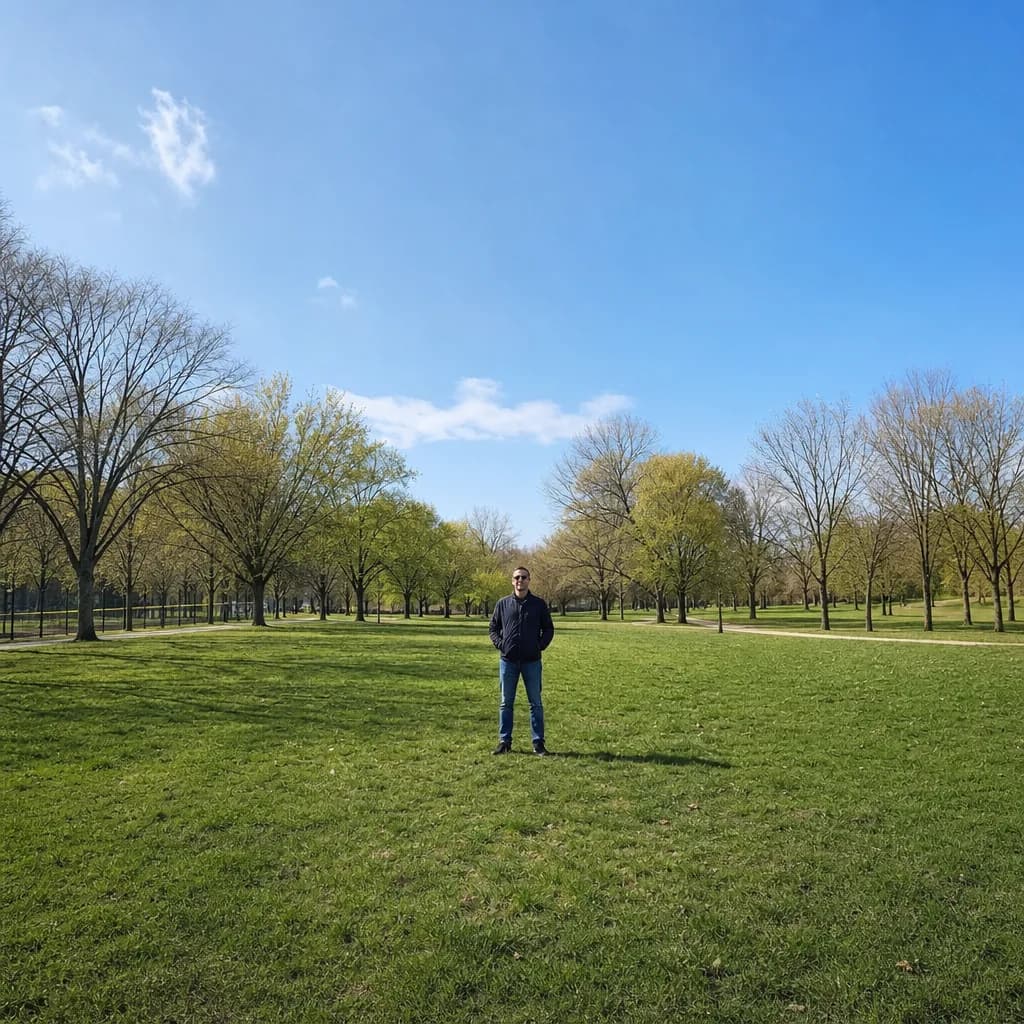
The classic animefy path. Upload a clear front-facing photo, pick an anime style, and the character reference generates from your face. Best when you want a recognizable anime version of a real person — yourself, or someone who's given consent.
- 02
Describe a character in text
No photo needed. Type a character description — 'a teenage girl with long silver hair, red hoodie, sharp green eyes' — and the character is generated from scratch in your chosen anime style. Best for original characters, fictional protagonists, or when you don't want to upload a photo.
- 03
Paste or write a story
Skip straight to the comic. Paste a scene, a chapter outline, or a full short story. TaleAtelier generates the anime comic pages — characters, dialogue, panel art, layout — with the same characters locked across every page. Best when you already have a story and want it drawn.
Anime photo generator — style options
The character reference stays constant; the visual style changes per your selection. Pick what fits your story or your personal preference.
Classic anime
Full-color cel-shaded illustration with vivid palettes, large expressive eyes, detailed hair, and smooth gradients. The default anime look — Naruto, My Hero Academia, Attack on Titan lineage.
Shonen
Dynamic action framing, bold linework, exaggerated poses. Fits action-adventure protagonists and battle scenes.
Shojo
Softer palette, floral atmosphere, sparkle-detail eyes. Fits romance, slice-of-life, or emotional-drama characters.
Chibi
Super-deformed cute style — big head, small body, exaggerated expressions. Great for gag scenes or standalone anime avatars.
Studio Ghibli-inspired
Painterly backgrounds, softer color grading, less-stylized character faces. Fits fantasy, coming-of-age, or atmospheric stories.
Manhwa-adjacent (color anime)
Digital-webtoon anime hybrid — brighter saturation, cleaner lineart, cinematic color grading. Fits modern webtoon-style protagonists.
For the full anime aesthetic deep dive — cel-shading, palette conventions, iconic show references — see the anime style guide. For the full 12-style catalog including manga, manhwa, noir, superhero, see the styles hub.
Convert photo, picture, or image to anime — file specs
Input formats: JPG, PNG, WebP. Photos up to typical smartphone resolution (12-24 megapixel) work best. HEIC iPhone files are accepted and auto-converted.
Output aspect ratios: portrait (2:3 — standard anime character shot), landscape (3:2 — panel format), square (1:1 — social avatar), or full comic page (2:3 stacked). Aspect is picked per generation.
Output resolution: 1024×1536 pixels standard for portrait, higher resolutions available on Pro plan. High enough to print at postcard size or use as a full-quality webtoon panel.
Convert style variations: same photo can be converted to anime in multiple style variants — classic anime, shonen, shojo, chibi, Ghibli, manhwa-color — without re-uploading. The character reference stays locked; the render style changes.
Anime me, animefy me — turn yourself into an anime character
The most common animefy use case: your own selfie, turned into an anime character. Whether that's a profile pic, a gift for a friend, a personal fanfic visualization, or wanting to see yourself as an anime protagonist — TaleAtelier handles it.
Upload a clear selfie (front-facing, well-lit — see the photo requirements section below), pick an anime style, generate. If you plan to use the anime version across a full comic, spend an extra minute picking a good reference photo — a strong input saves an hour of regeneration work later.
Turning a friend or family member into anime: only with their explicit consent. This is a privacy and respect issue regardless of what the tool technically allows. Photos of yourself, family with agreement, or friends who've said yes — all fine. Random strangers, coworkers, celebrities — not fine.
Photo requirements — good photo vs bad photo
A good reference photo produces a strong anime character. A bad one produces a drifted, hard-to-lock character. Two minutes of photo selection saves an hour of regeneration.
- →Front-facing face, unobstructed
- →Even lighting across the face
- →Neutral or slightly smiling expression
- →One person clearly in focus
- →Sharp, in-focus, high-resolution
- →Recognizable facial features visible
- →Extreme angles (looking up or sideways)
- →Heavy shadows across half the face
- →Sunglasses, masks, or face coverings
- →Group photos where face is small
- →Blurry or low-resolution
- →Filters already applied (Snapchat / TikTok effects)
Multi-character stories. For a comic with several anime characters, upload each face as a separate reference — one photo per character. TaleAtelier stores up to 6 named characters per story, which is plenty for a full anime ensemble cast.
Pre-applied filters distort the source. SNOW, TikTok, Instagram, beauty-mode filters change the underlying face data. Raw photos always produce better anime character references.
Anime avatar and portrait generator
Three related outputs — same underlying character-reference workflow, different framing.
Anime portrait
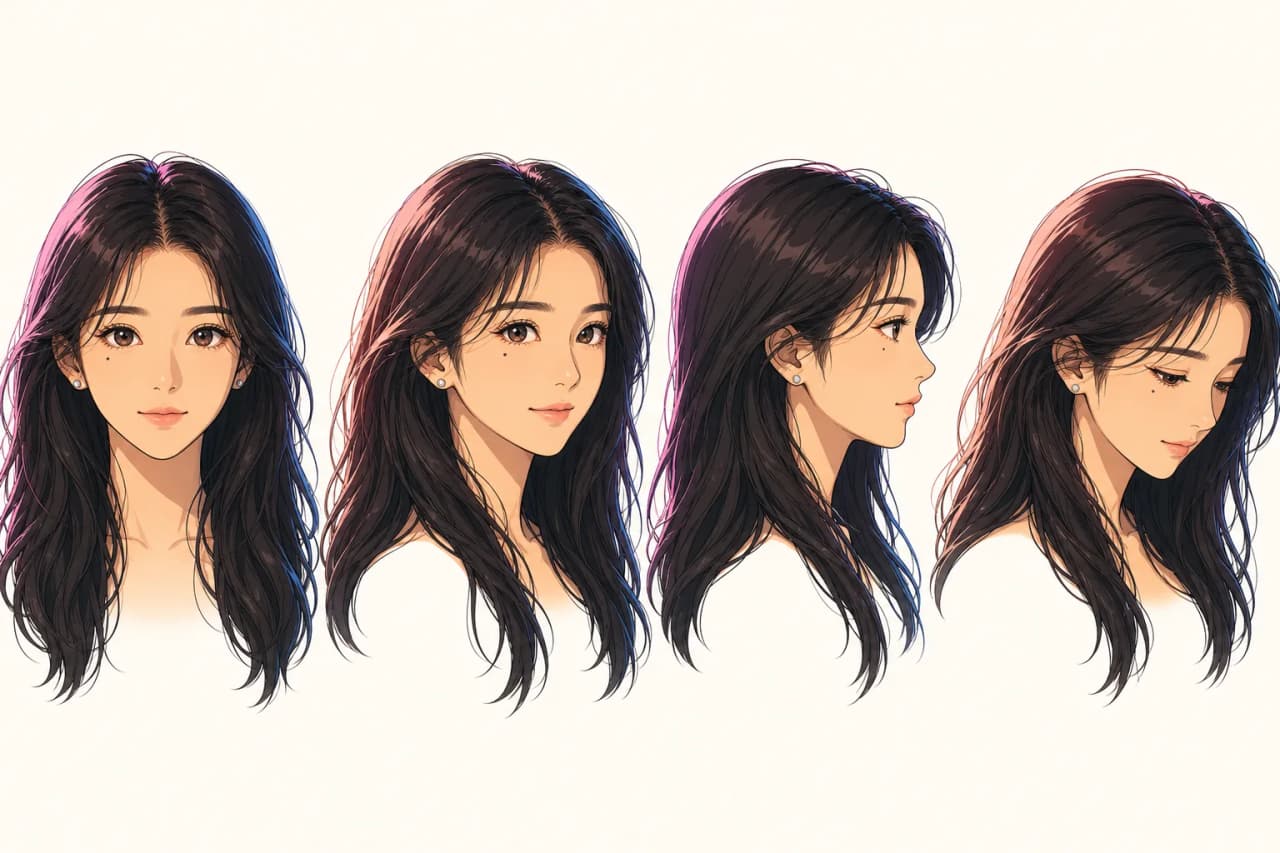
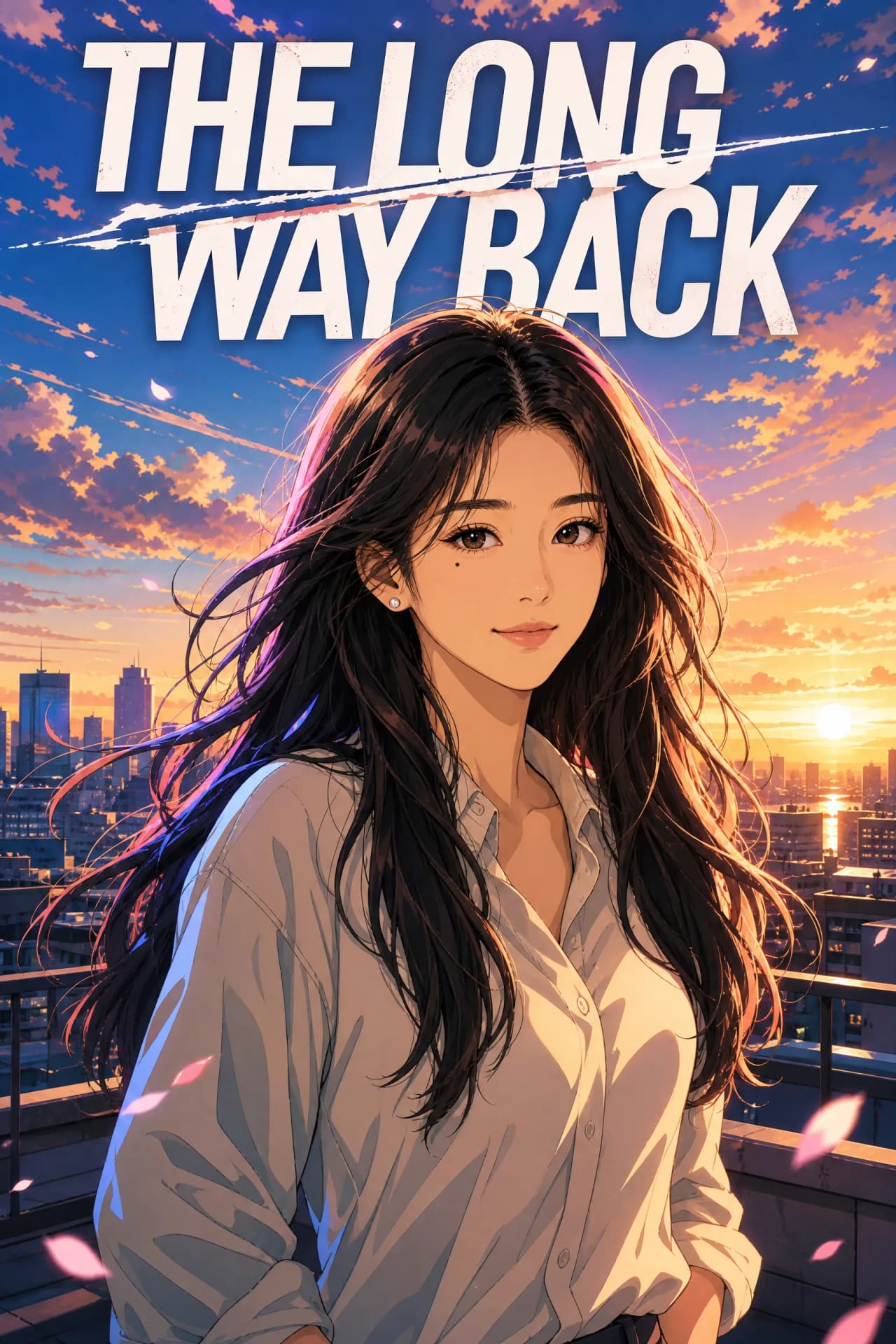
A single anime-style portrait of your face — closeup or bust shot, publication-quality composition. Good for cover art, character sheets, gift art, or standalone display. Output as one panel from your locked character reference.
Anime avatar or profile picture (PFP)
A square-crop anime rendering for use as a profile picture on Discord, Twitter, LinkedIn, or a personal site. Generate from your character reference at square aspect, or crop from a portrait. Works well for a matching set — same anime character used across all your platforms.
Anime character (the full reference)
The locked character reference itself — reusable across every panel of every chapter. Same face, hair, defining features on every generation. This is the primary workflow, and the reason the tool exists.
AI photo to anime — how the model turns your face into anime
The technical shorthand: your uploaded photo generates a character reference — a stored representation of your face, hair, and defining features that the anime generation model conditions on. Every subsequent panel pulls from that reference, which is why the same face stays consistent panel to panel.
This is fundamentally different from a face-swap filter, which processes each generation from scratch and produces a fresh output every time. The reference-locking approach is what enables multi-page comics with a recognizable recurring character.
For the full technical explanation — including honest comparison to Midjourney character reference, Stable Diffusion LoRA, Leonardo, and DALL-E — see the consistent character AI pillar page.
Photo to anime free — what “free” means per tool
“Free anime photo generator” means different things across tools. Honest breakdown so you pick the right one:
- Free forever, no credit card: Anifun, AIAnime, AnimifyAI. One-shot face-swap filters, ad-supported. Best if you want one anime avatar and nothing more.
- Free credits, then paywall: Canva Animeify (8 free credits then Pro), AI Ease (limited daily generations). Good for occasional use; not for serialized work.
- Free account, paid generation: TaleAtelier, Dashtoon, most full comic tools. Sign-up is free, generation requires a plan (from $9.99/mo). Best if you want multi-page comics with character consistency.
If “free” is the priority and one image is enough, use Anifun or AIAnime. If you want an anime comic (not just an avatar), a paid plan is what the market currently offers — no tool does full multi-page anime comic generation for free.
Plans and pricing
TaleAtelier is a paid tool. Generation burns coins; coins are included in a monthly subscription. Every plan includes character consistency, all styles, and multi-panel output — you're picking your monthly generation volume.
- Starter — $9.99/mo: 2,000 coins per month. Enough for a couple of Short comics or a mini-chapter.
- Plus — $24.99/mo: 7,000 coins per month. Regular publishing, full-episode work.
- Pro — $59.99/mo: 20,000 coins per month. Serialized publishing at scale, studios, heavy users.
Monthly plans, cancel anytime. See the pricing page for full plan details and one-time coin packs.
Privacy and photo handling
You're uploading a photo of a face — usually your own — so knowing what happens to it matters. Short version: your photo is used to generate the character reference and is handled under our privacy policy. We do not use uploaded photos to train AI models.
Full details, including data retention timelines and character-reference storage, are on the privacy page and terms page. Read those before uploading anything sensitive.
Consent for photos of other people: never upload without explicit agreement. This applies to friends, coworkers, celebrities, or strangers. The anime character you generate is recognizably them, in scenarios they may not want to appear in.
Anime filter vs anime photo generator
An anime filter is a camera-style effect — think Snapchat, TikTok, SNOW, Instagram effects that turn your live selfie into an anime-looking image in the viewfinder. Fast, novelty, one tap.
An anime photo generator (this tool) takes an uploaded photo and produces publication-quality anime artwork — a portrait, a comic panel, or a full multi-page comic. Slower but produces something reusable.
If you want a SNOW-style live-camera anime filter for a selfie video, TaleAtelier isn't that — try the SNOW app or an Instagram anime effect. If you want an actual anime picture from your photo (or an anime comic), you're in the right place.
Anime vs manga — which one do you want?
Anime = full-color cel-shaded illustration, typically the animated adaptation style (Naruto, Attack on Titan, Studio Ghibli look). Manga = black-and-white with screentones, the Japanese comic art form read as pages.
If you want full-color anime output from your photo, this page. If you want black-and-white manga-style output, see photo to manga. Both use the same character-reference workflow — same locked character, different render style.
For the full definitional comparison across anime, manga, manhwa, and manhua, see the manga vs manhwa vs manhua guide.
When another tool fits better
TaleAtelier isn't the right tool for every animefy use case. Honest routing:
You just want one free anime avatar. Canva Animeify (8 free credits), Anifun (100% free, ad-supported), or AIAnime (no watermark, no sign-up) are all faster than creating a full account here.
You want a live-camera anime filter for video. SNOW app or an Instagram anime effect. This is a generation tool, not a real-time filter.
You want a comic in any style, not just anime. Our photo-to-comic tool is the general photo-input workflow — same reference-locking, any of the twelve styles including Western comic, superhero, manhwa, and more.
You want a manga (black-and-white) comic, not anime (color). Our photo-to-manga tool produces manga-style output with screentones instead of cel-shaded color.
You want a text-to-anime workflow (no photo). Skip the upload — use path 2 or 3 on this page (text description or full story input), or head to text-to-comic for text-driven comics in any style.
Frequently asked questions
- Is Animefy really free?
- Sign-up is free — you create an account, upload a photo or describe a character, and preview the anime version before choosing a plan. Actual generation is a paid feature: TaleAtelier plans start at $9.99/mo (Starter). This is the honest picture — many "free anime" tools give you a limited number of credits then paywall, or offer free filters but no full comics. If you want a truly free one-shot anime filter, Canva Animeify (8 free credits) and Anifun are two options.
- What's the difference between an anime filter and a photo-to-anime comic tool?
- An anime filter (Canva, AI Ease, SNOW-style effects) turns one photo into one anime image and stops. A photo-to-anime comic tool takes the same photo and turns it into a locked character reference, then generates a full multi-panel anime comic — 4 pages, 20 pages, up to 400 pages — with the same character face across every panel. Filter = one image. Comic tool = a whole story. TaleAtelier is the second kind.
- Do I have to upload a photo?
- No. Three input paths work: (1) upload a photo, (2) describe a character in text, or (3) paste a story and let the tool generate characters from scratch. Photo upload gives the best likeness for real-person anime versions. Text description works well for original characters, fictional protagonists, or when you'd rather not upload a face photo.
- What anime styles are available?
- Classic anime (cel-shaded color), shonen (action-adventure), shojo (romance/slice-of-life), chibi (super-deformed cute), Studio Ghibli-inspired (painterly), and manhwa-adjacent (webtoon-color anime). All styles use the same character-locking system, so the character face stays consistent across every panel regardless of style pick.
- Can I use the anime image commercially?
- Yes — commercial use is granted on TaleAtelier's paid plans. Sell prints, use in merchandise, publish serialized chapters. Read our terms page for the full license text. Note that US Copyright Office guidance from January 29, 2025 requires human authorship contribution for copyright registration on AI-generated work; that's a separate legal issue from commercial licensing and applies to every AI tool in this space, not just ours.
- What happens to my photo after I upload it?
- Your uploaded photo is used to generate the character reference and is handled under our privacy policy. We do not use uploaded photos to train AI models. Retention timelines and reference-storage details are on the privacy page. Never upload someone else's photo without their explicit consent — that's on the user regardless of what the tool technically allows.
- How is this different from Canva's Animeify?
- Canva's Animeify is a single-image face-swap filter — one photo in, one anime image out, 8 free credits then paywall. TaleAtelier can do that too (single anime portrait) but the primary workflow is multi-page anime comic generation with the character locked across every panel. Canva doesn't do multi-page. If all you want is one anime avatar, Canva or Anifun are faster; if you want an actual anime comic, you're in the right place here.
- Can I generate a full anime comic, not just a portrait?
- Yes — this is the primary use case. Pick a story length (Short 4 pages, Medium 10 pages, Long 20 pages, or Custom up to 400 pages), paste a story or describe a scene, and the tool generates the full anime comic — panel art, dialogue, layout, and character consistency across every page. That's the TaleAtelier core product; the "one anime portrait" case is a subset of it.
- Does it work on selfies?
- Yes — selfies are the most common input. Best results come from a front-facing selfie, well-lit, no filters pre-applied. If you're planning to use the anime version for a full comic, spend an extra minute picking a clear reference photo — a good input saves an hour of regeneration work later.
- Is there a free anime photo generator?
- Truly free anime photo generators (one-shot filters) include Canva Animeify (8 free credits, then Pro), Anifun (100% free, ad-supported), AIAnime (no watermark, no sign-up), and AnimifyAI. All are face-swap filters — one image in, one image out. For full anime comic generation, TaleAtelier's free account lets you preview the character reference; generation requires a paid plan.
Where else your animefy character shows up
Photo to comic — same photo-input workflow, any of twelve styles (not just anime).
Photo to manga — black-and-white manga output with screentones instead of anime color.
AI manga generator — text-input path to manga (no photo required).
Anime style guide — visual conventions, cel-shading, palette, and the anime aesthetic deep dive.
Consistent character AI — pillar page explaining how the character reference locks across every panel.
Manga vs manhwa vs manhua — the definitional guide to the three national comic traditions and where anime fits.
Animefy your photo. Or your whole story.
One anime portrait, or a full 4-400 page anime comic. Photo, description, or story — three input paths cover every intent.
Last reviewed . Competitor tool pricing (Canva, Anifun, AIAnime) verified same day.