Turn text into a
comic.
Type a prompt, a story, or a full script. You get comic pages with the same characters in every panel and dialogue already in the bubbles — your cover and first page free, no account.
Cover and first page free, no sign-up. Continuing needs an account — plans from $9.99/mo.
By the TaleAtelier Editorial Team — last reviewed
Try it — no account
Five steps — style, length, language, cast, story — and you get your cover and first page free, generated from your own story. No sign-up, no card. Continuing the comic needs an account. Generation takes about 2-3 minutes.
An AI comic generator from text turns written input — a prompt, a short story, or a full script — into a multi-panel comic with character-consistent art. TaleAtelier takes all three input depths, holds the same faces across every panel, and places dialogue into bubbles automatically. The cover and first page are free without an account; a full run needs one, from $9.99/mo.
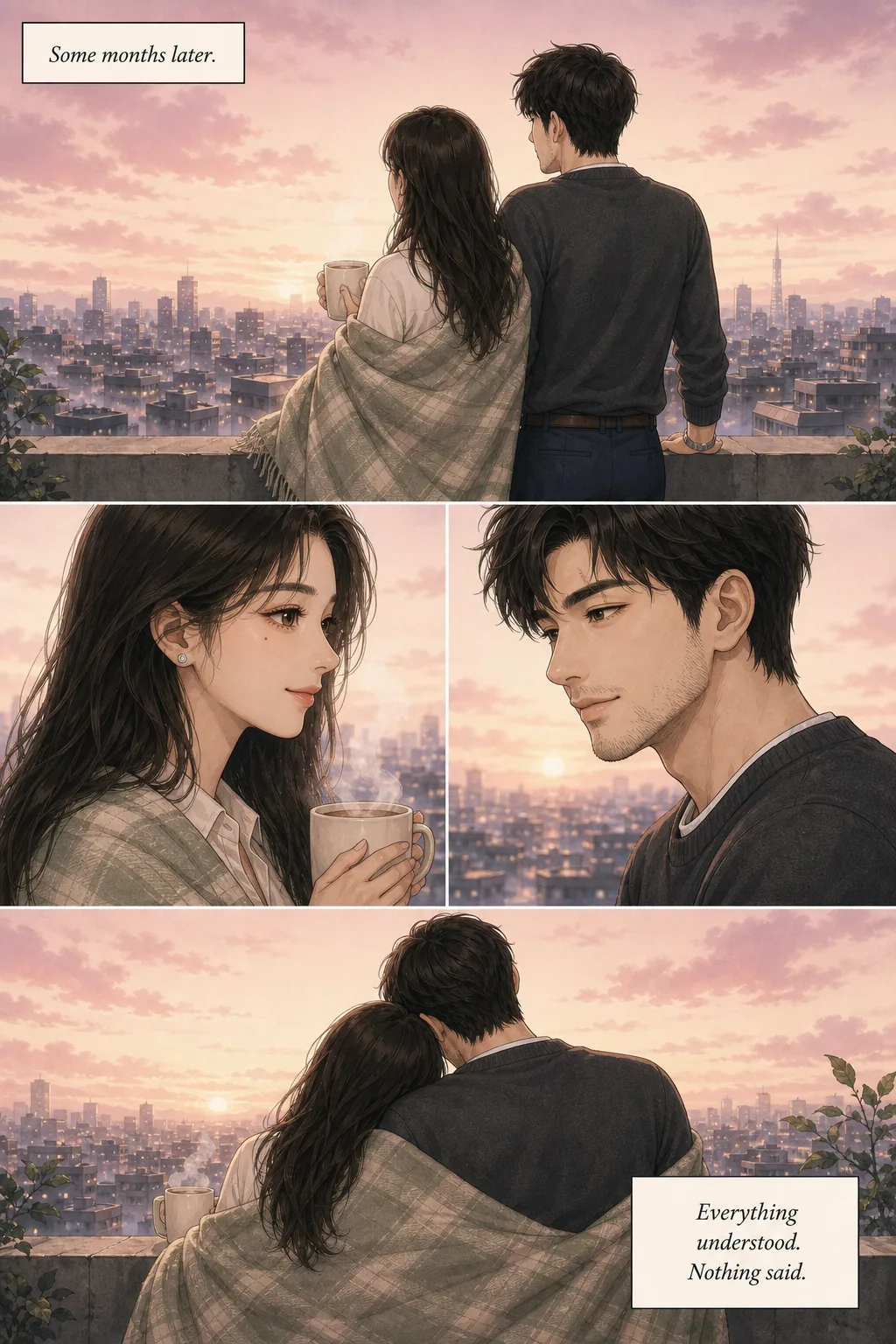
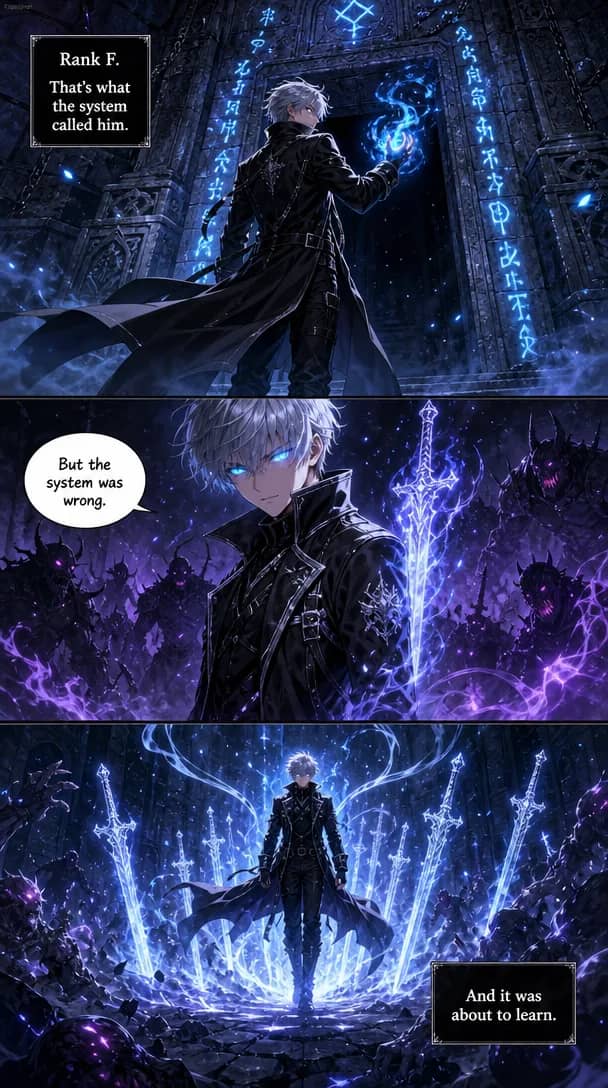
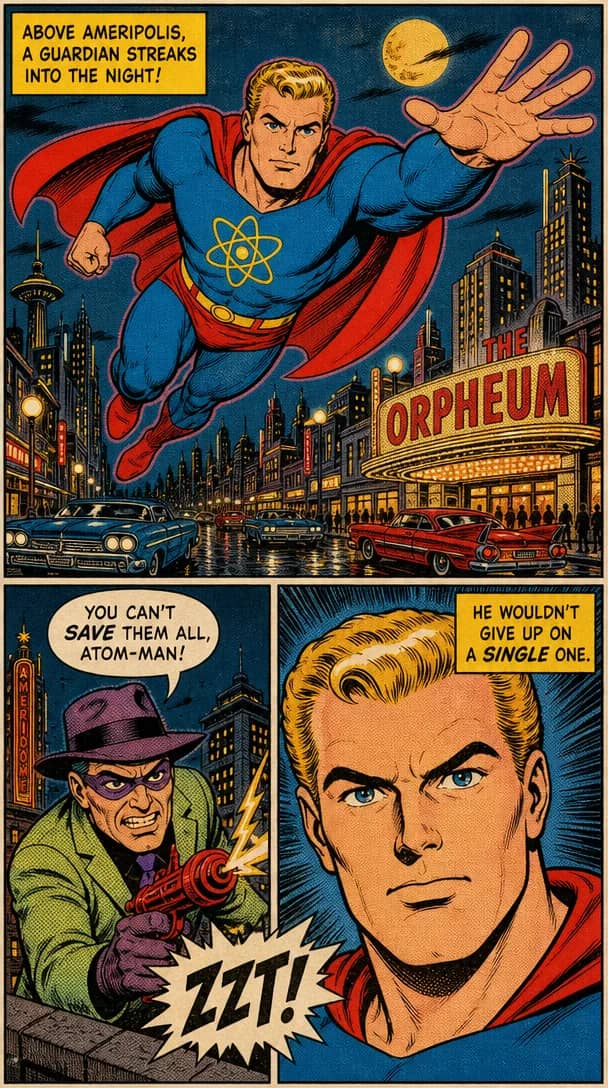
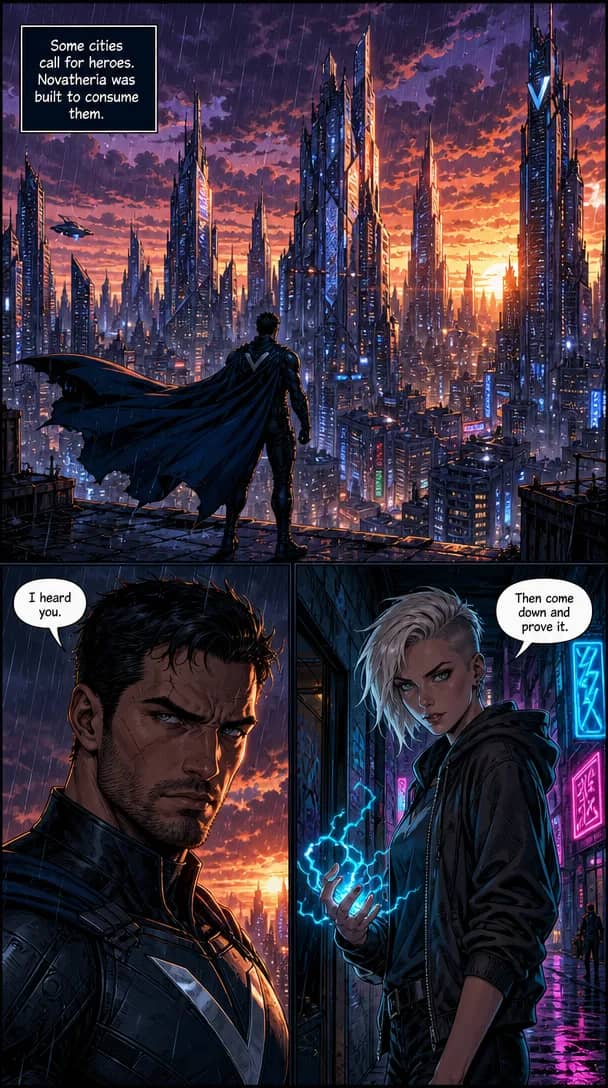
A finished comic page in each of the thirty-six style presets — panels, lettering and all. Pick one when you paste your text, or describe a style of your own and the tool will match it.
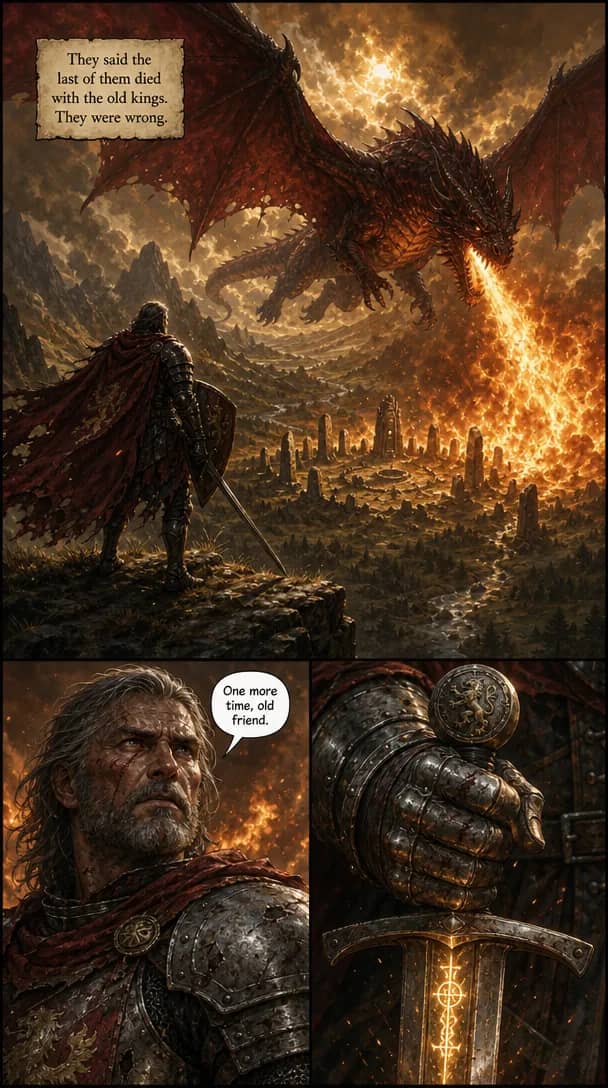
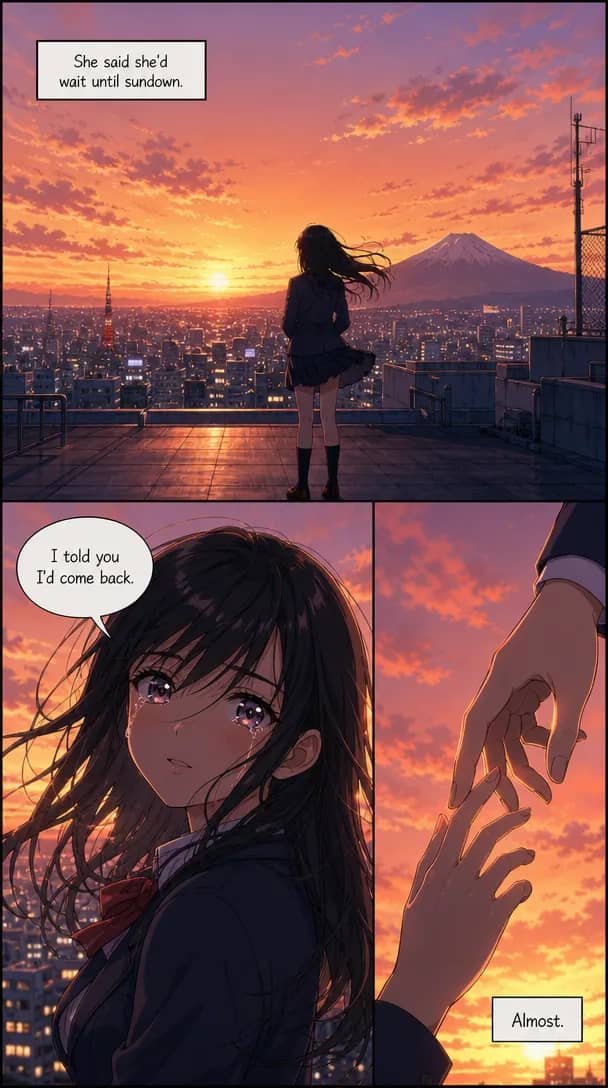
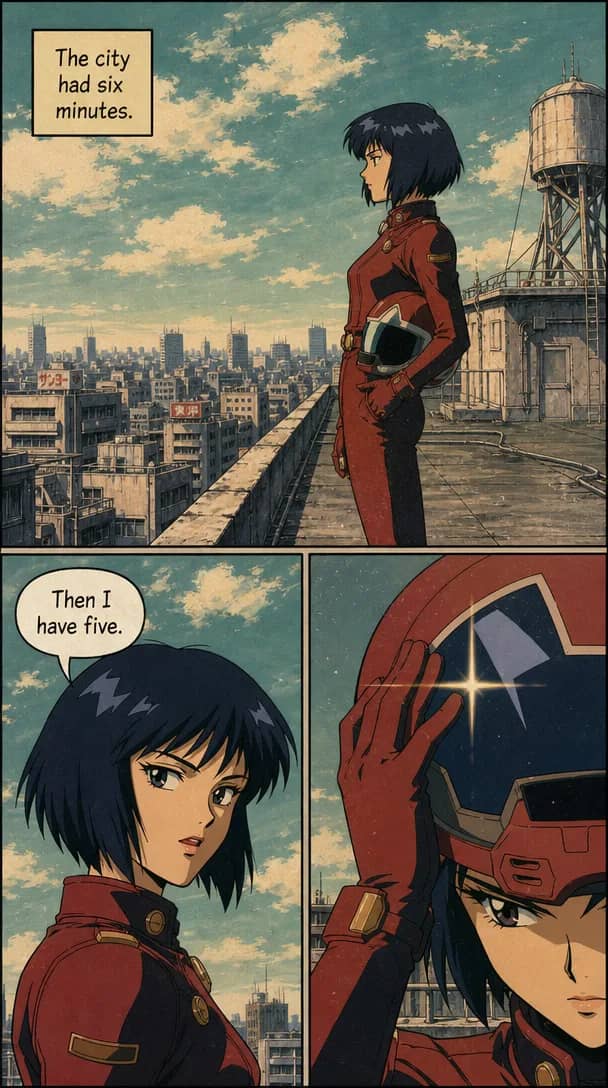
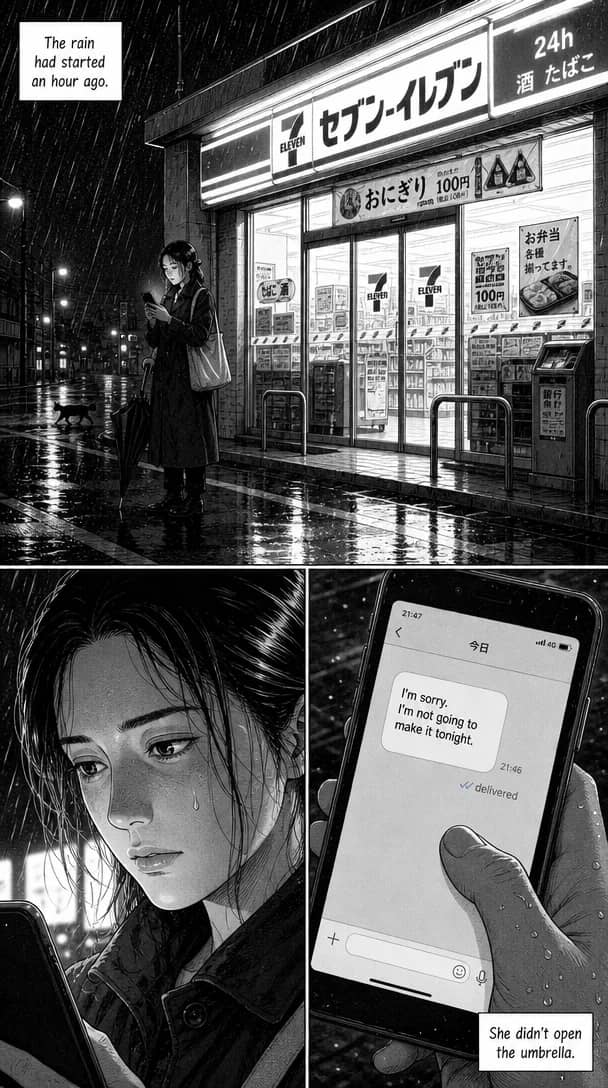
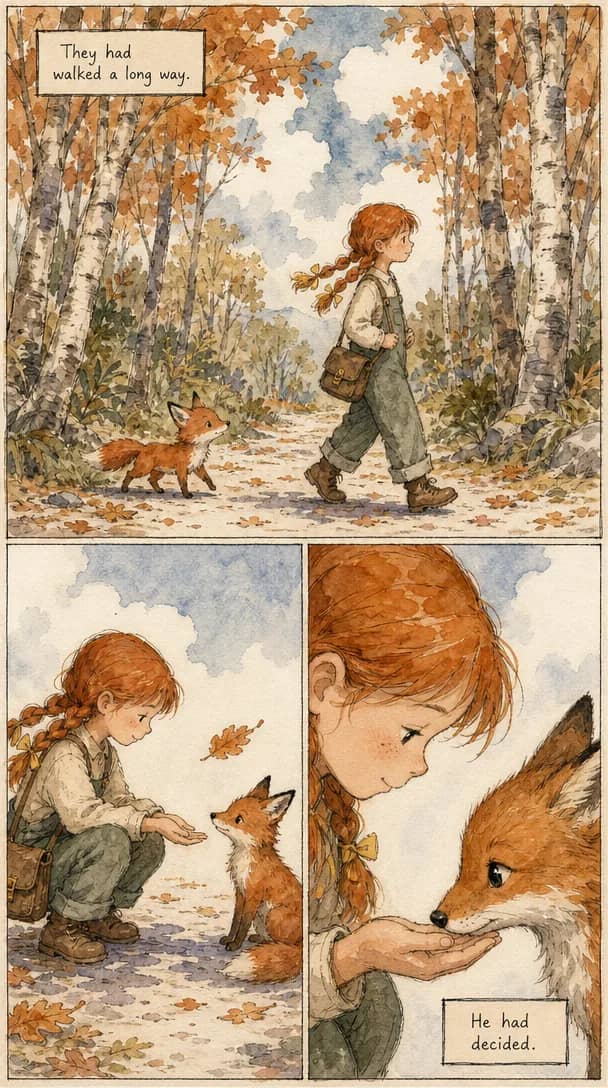
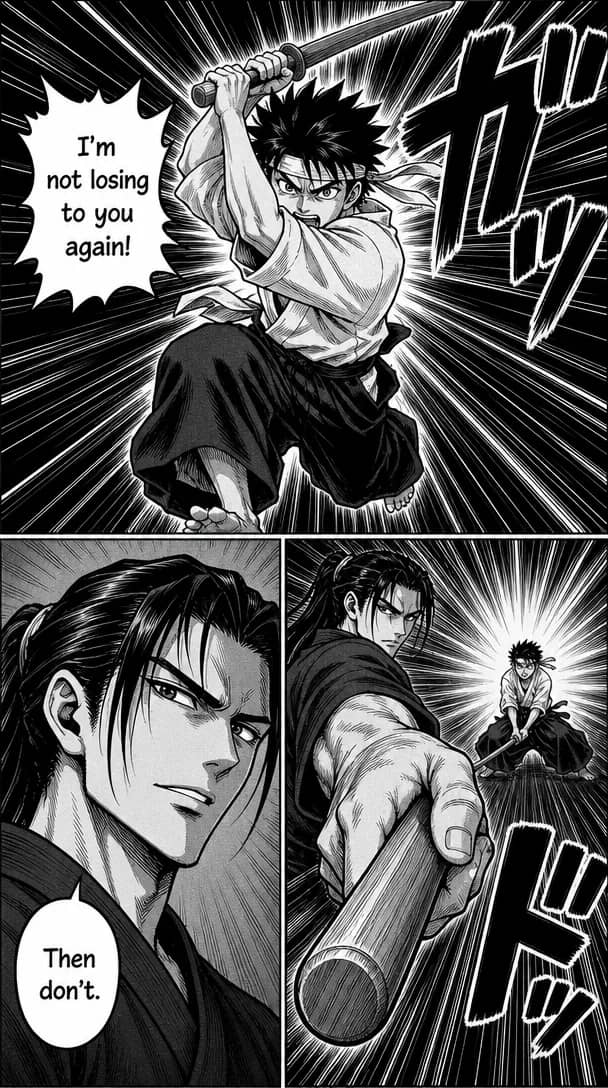
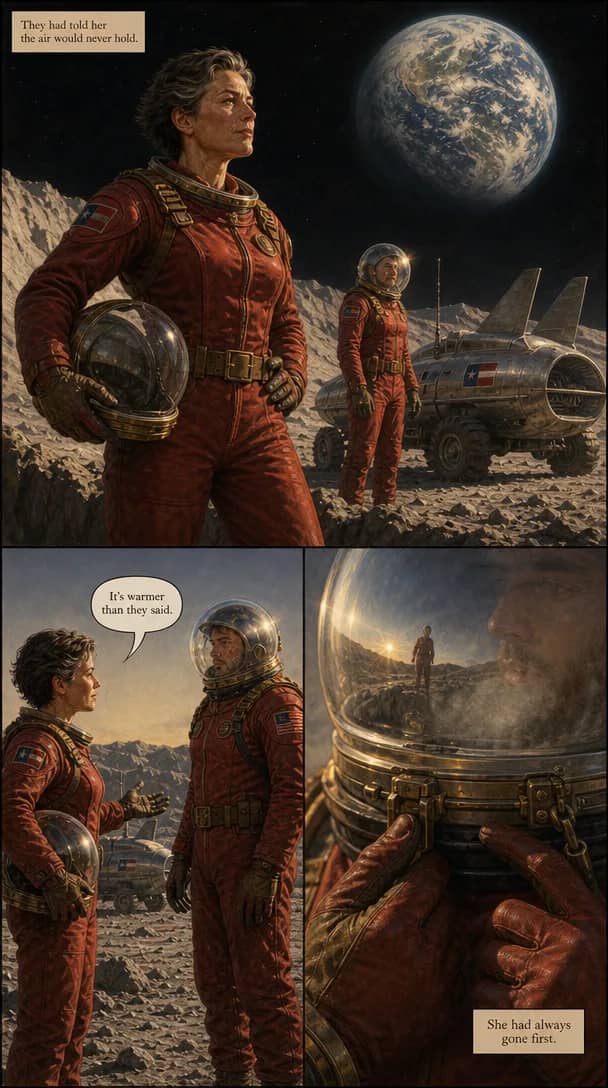
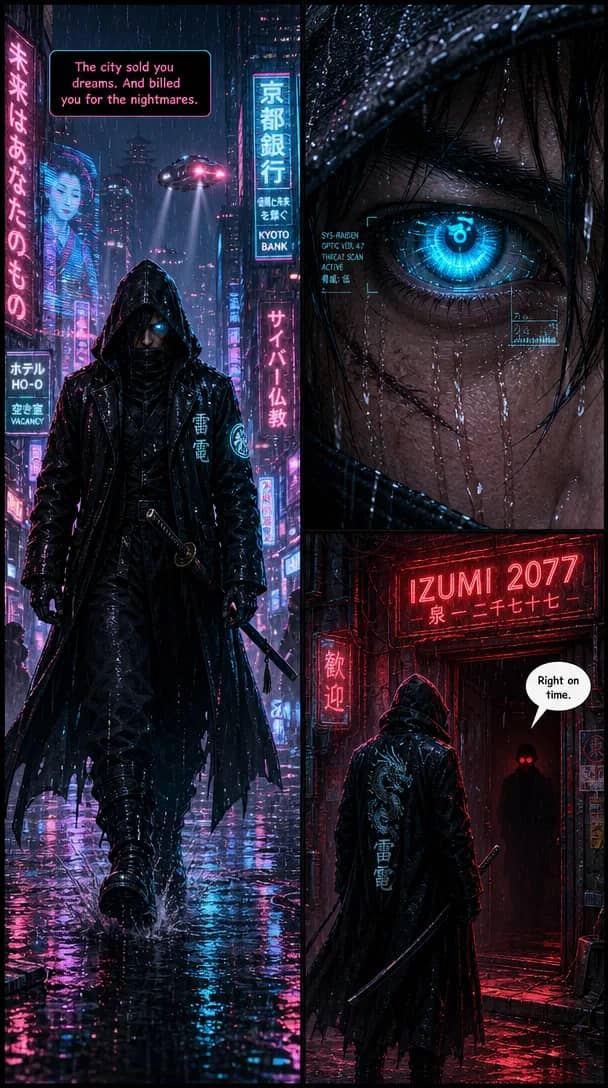
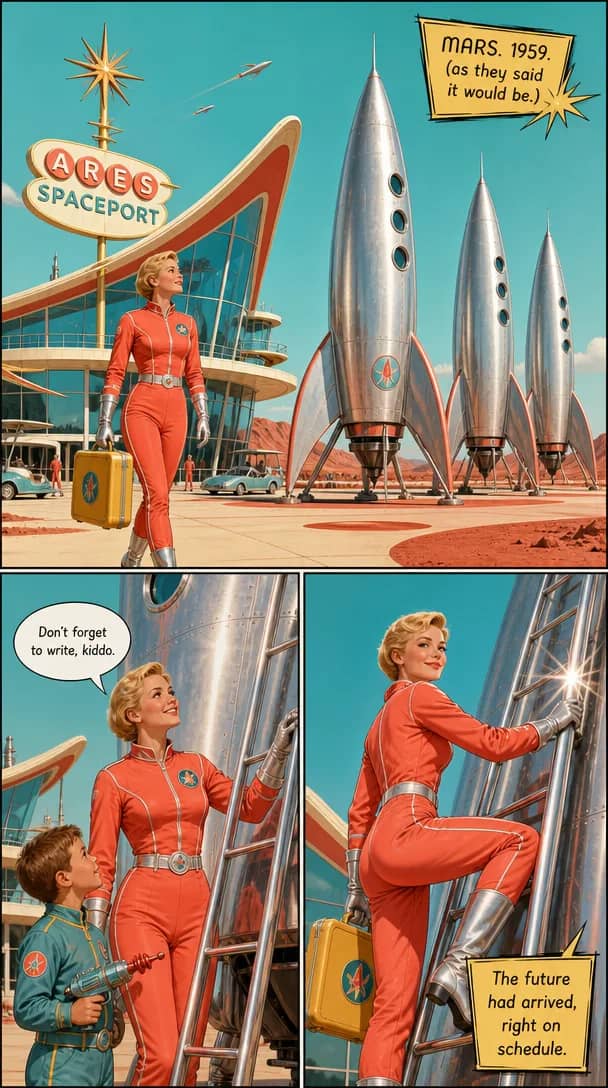

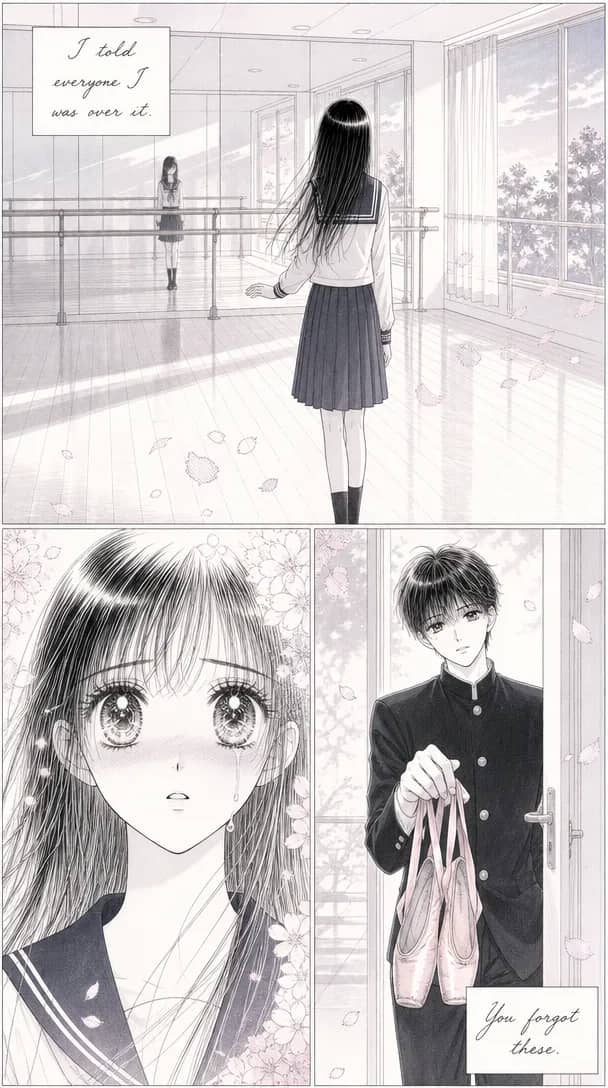
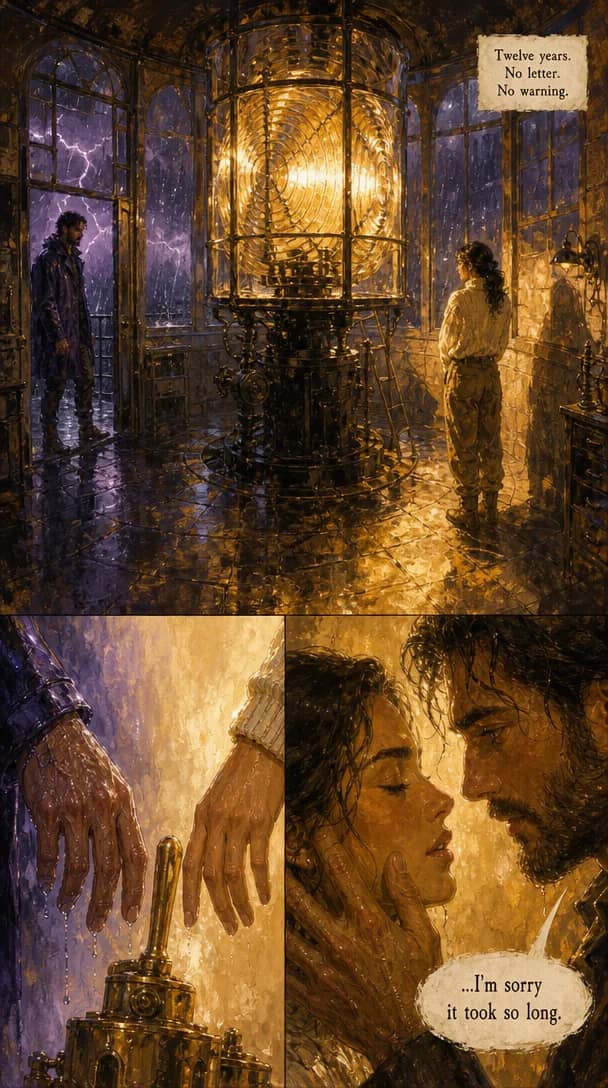
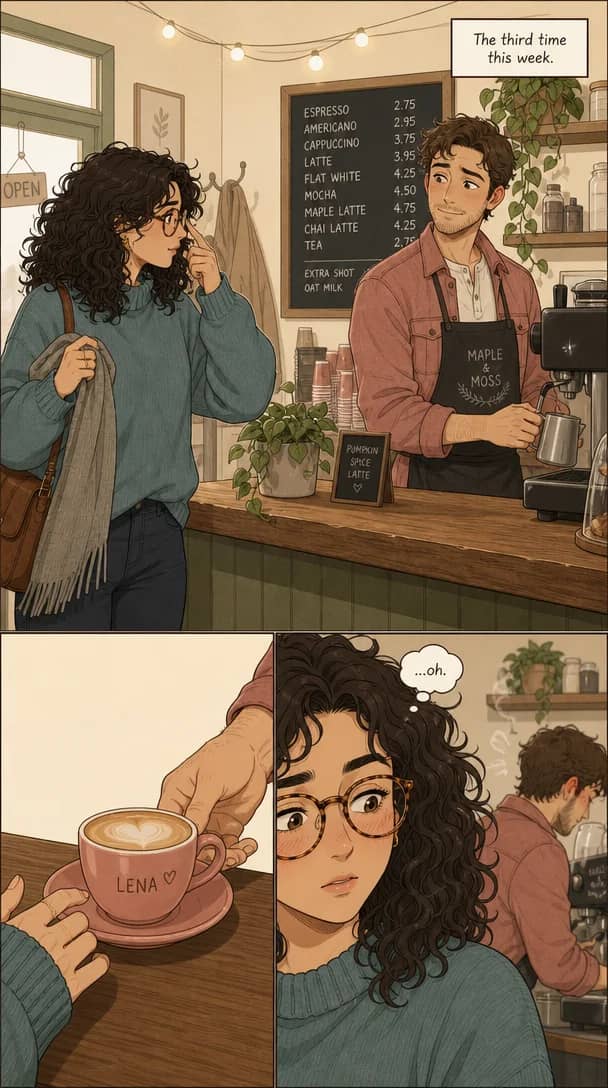
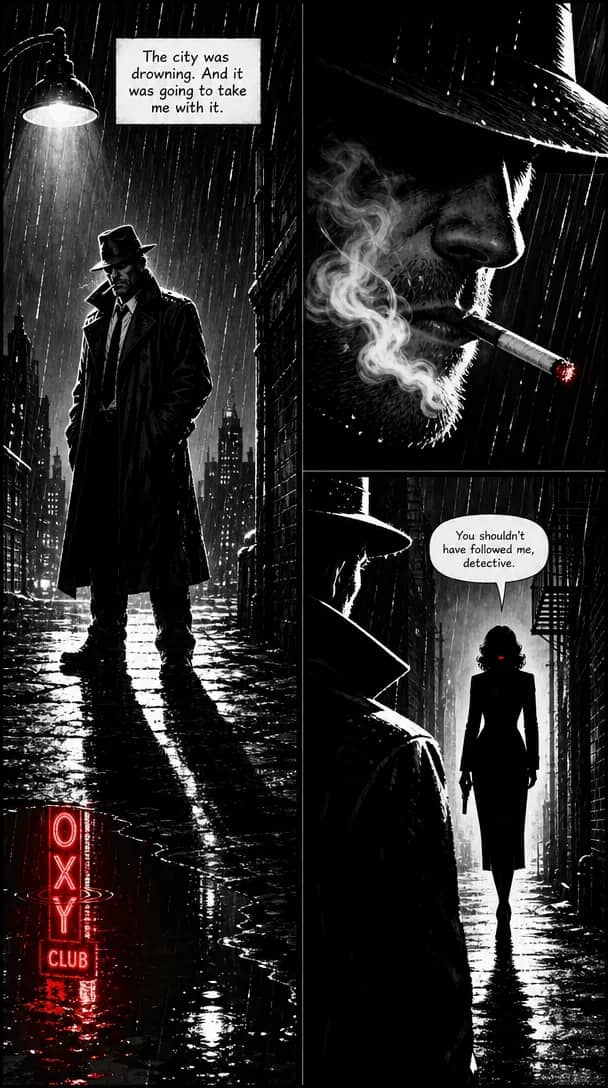
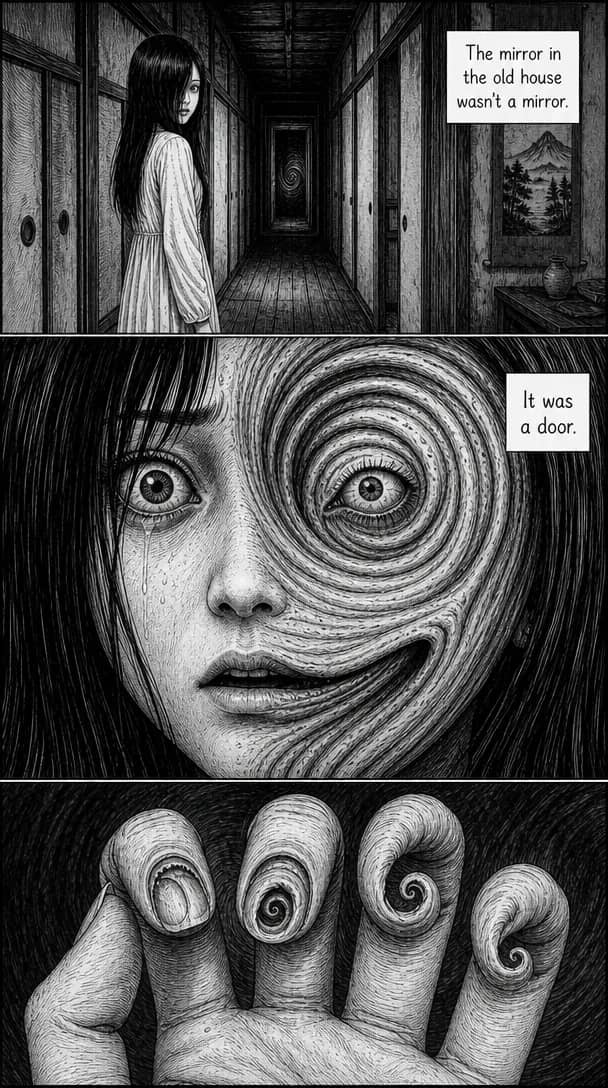
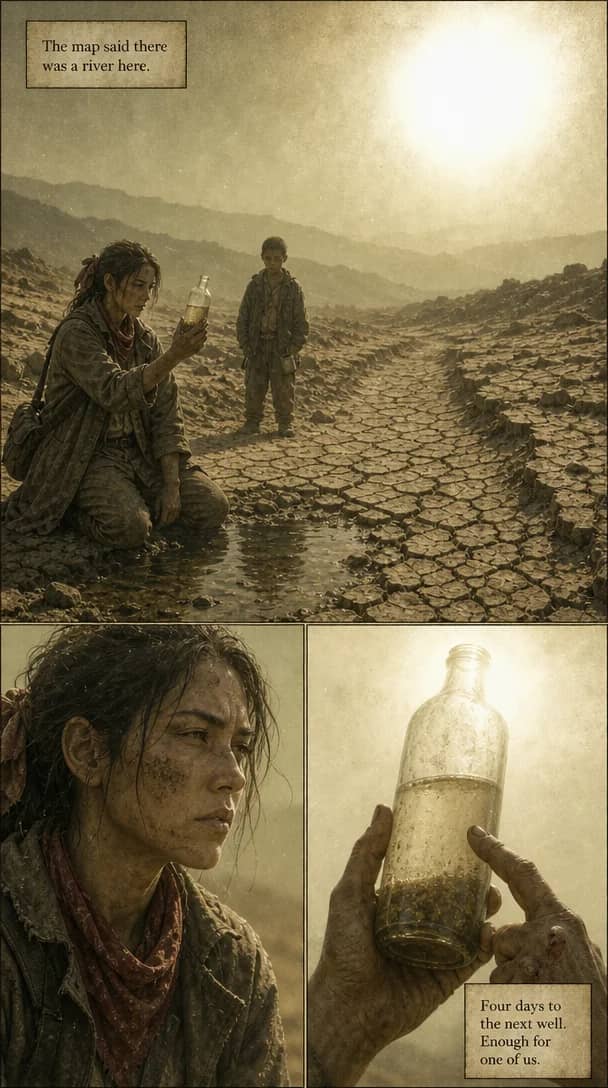
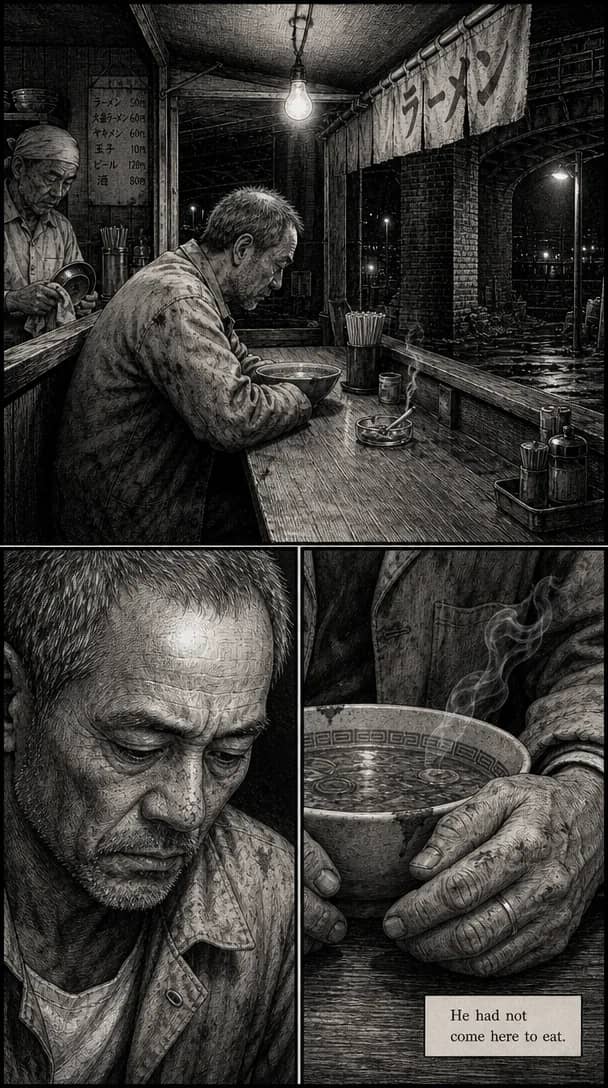
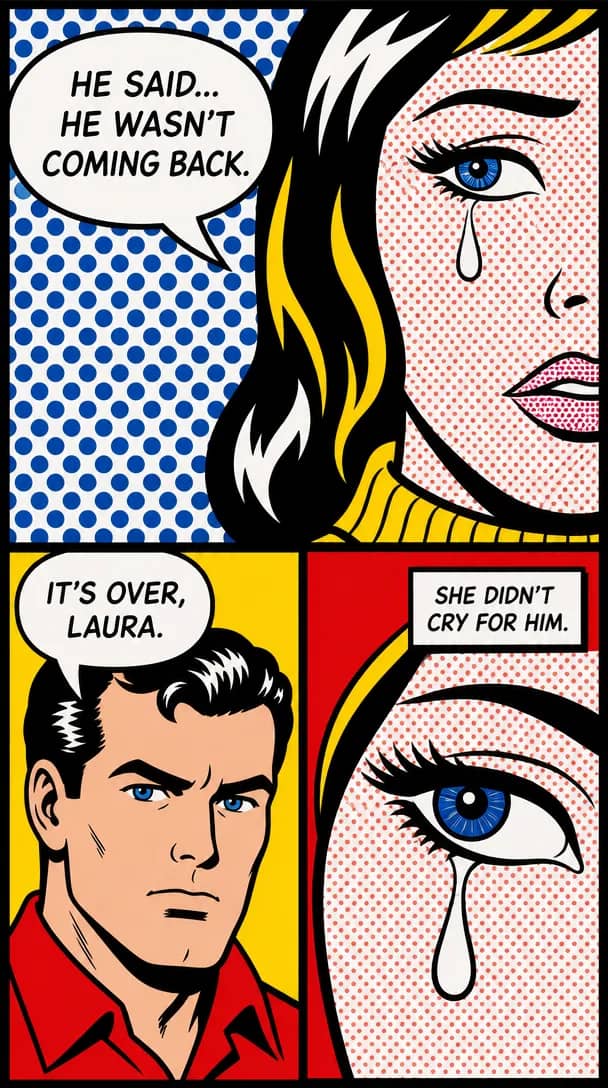
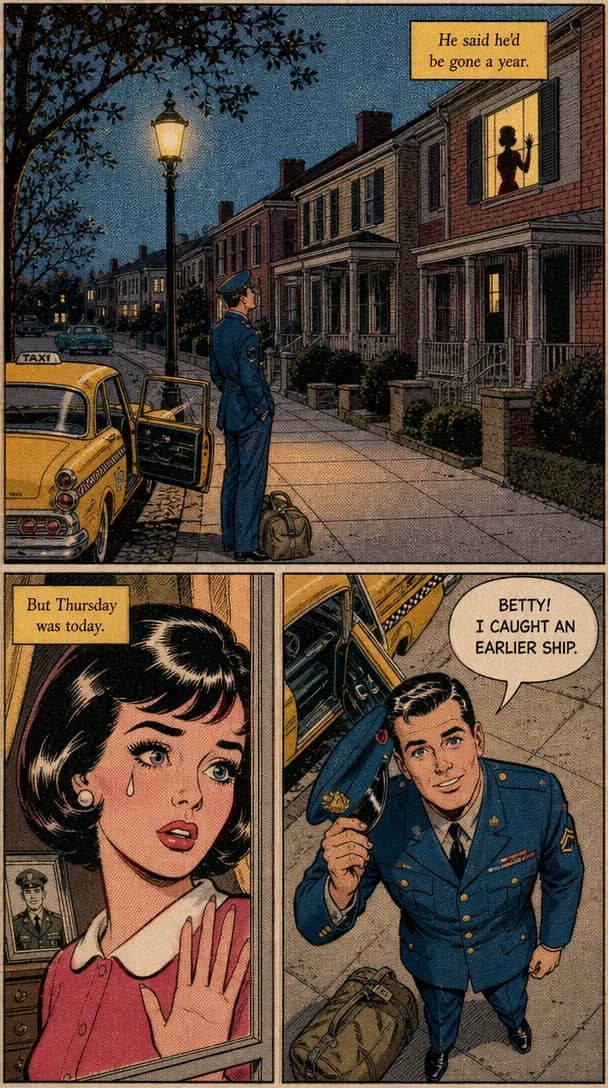
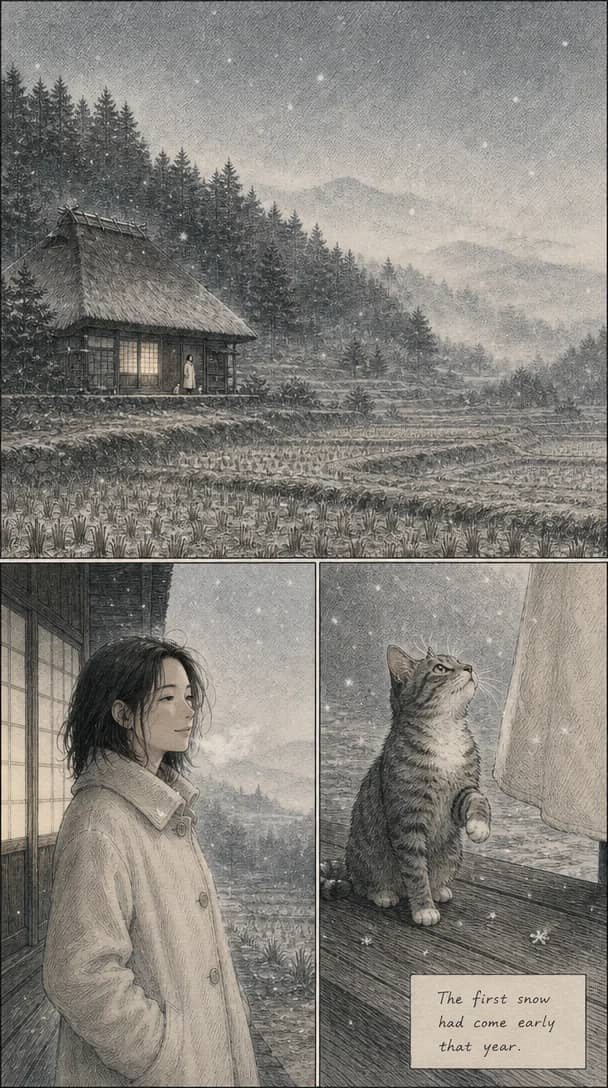
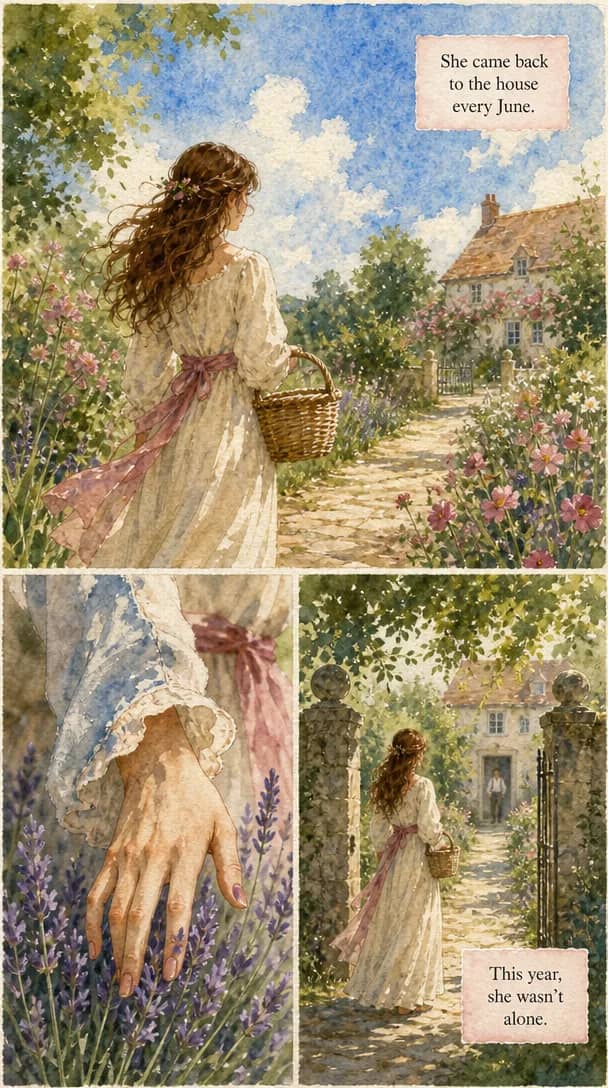
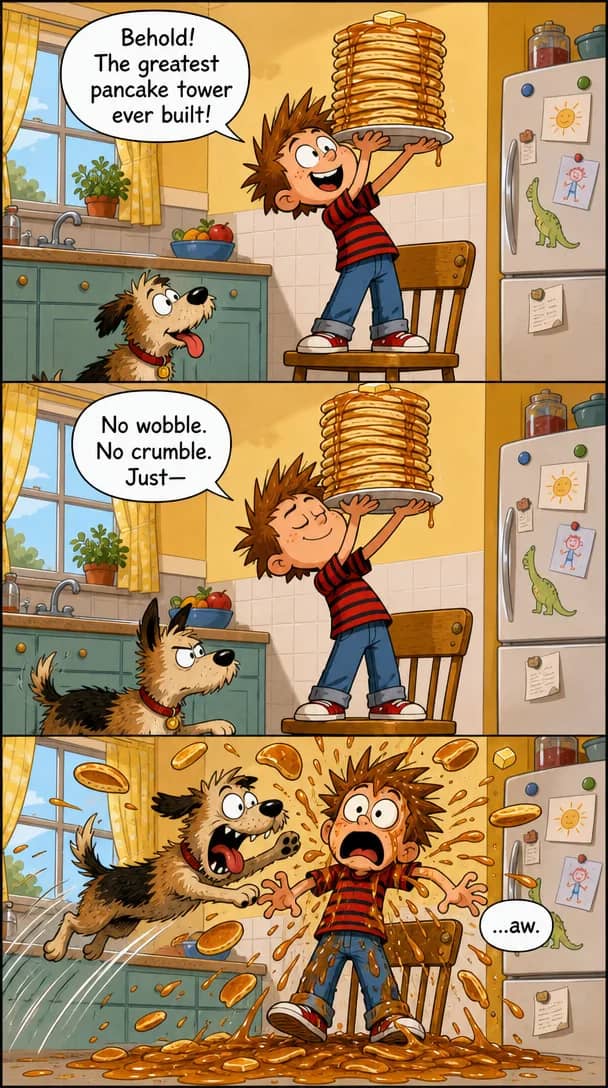
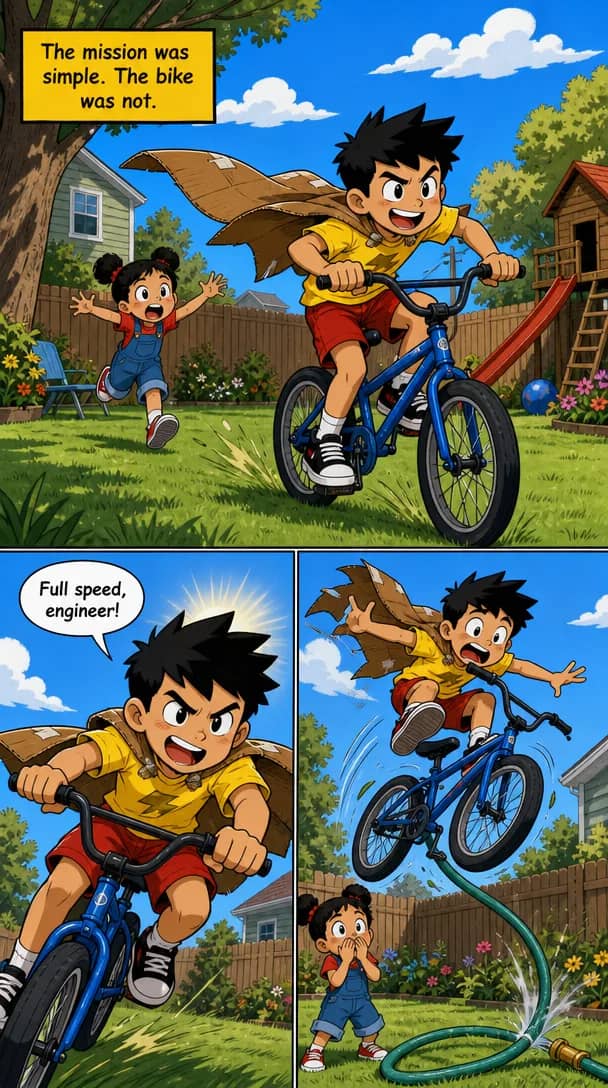
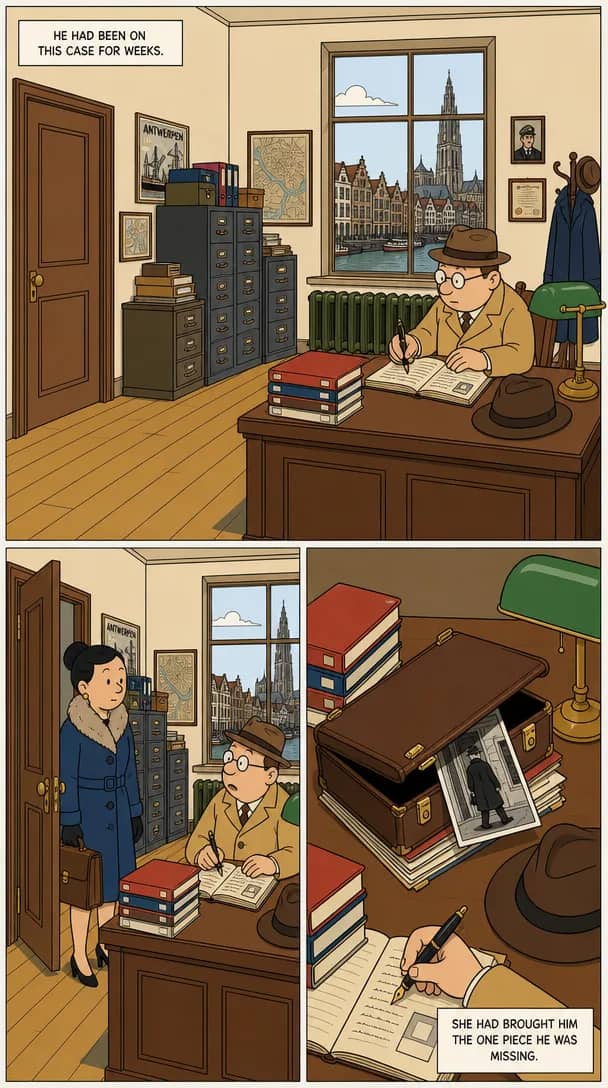
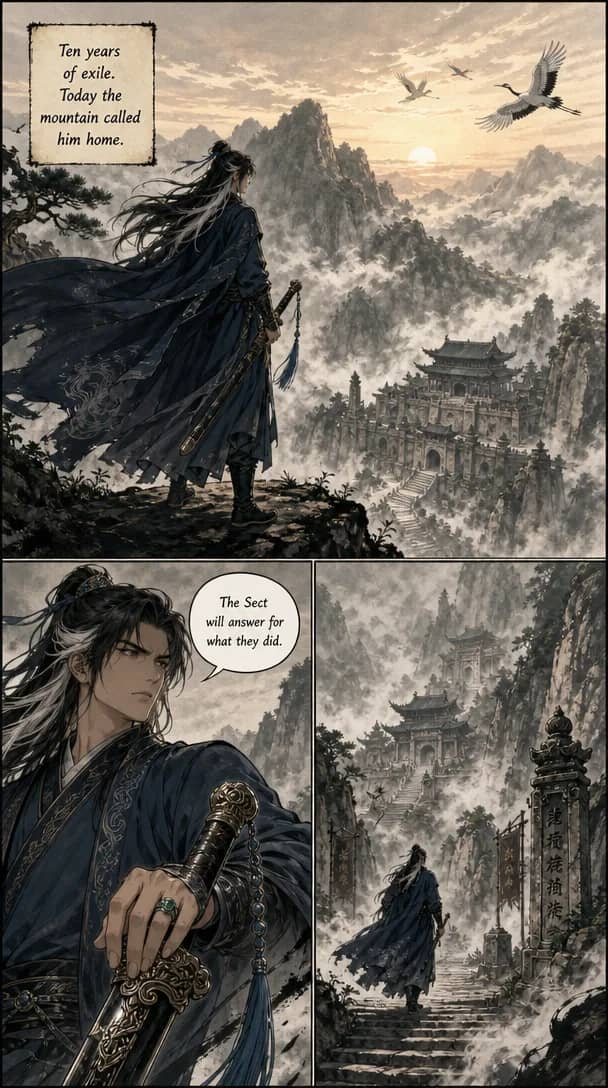
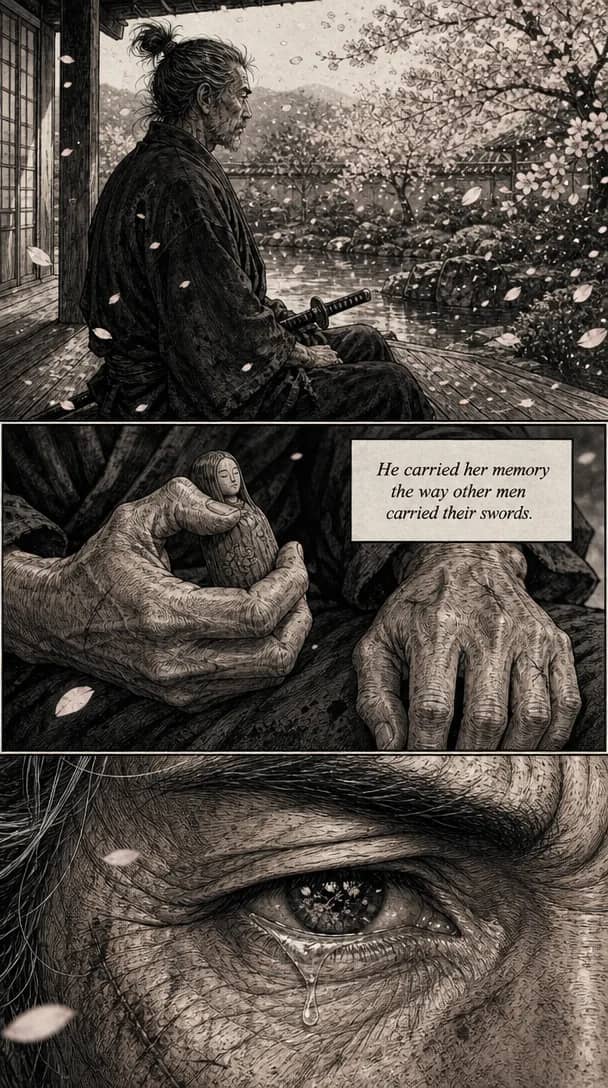
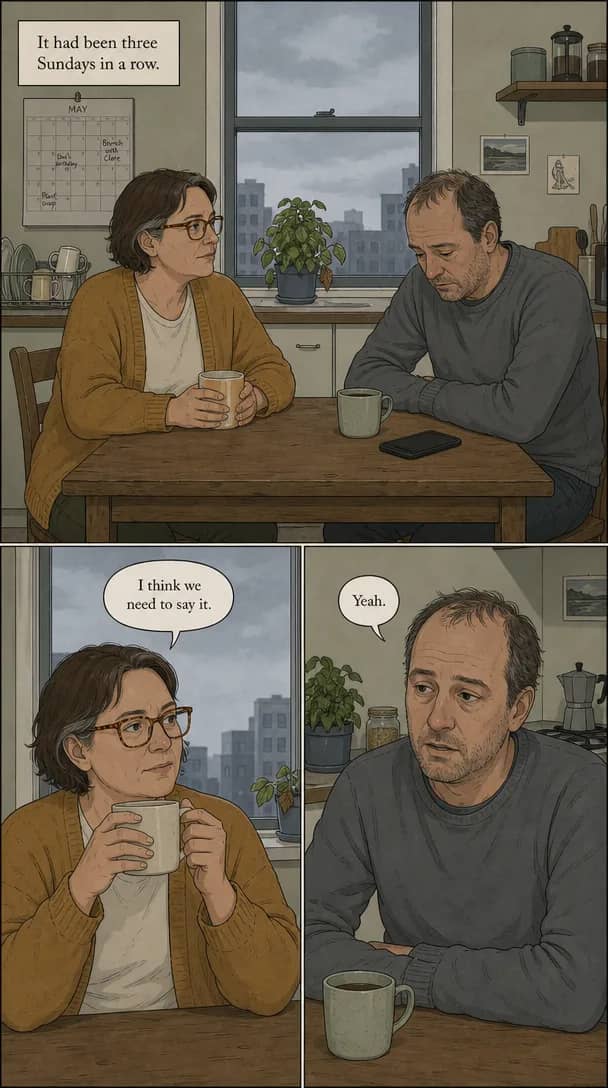
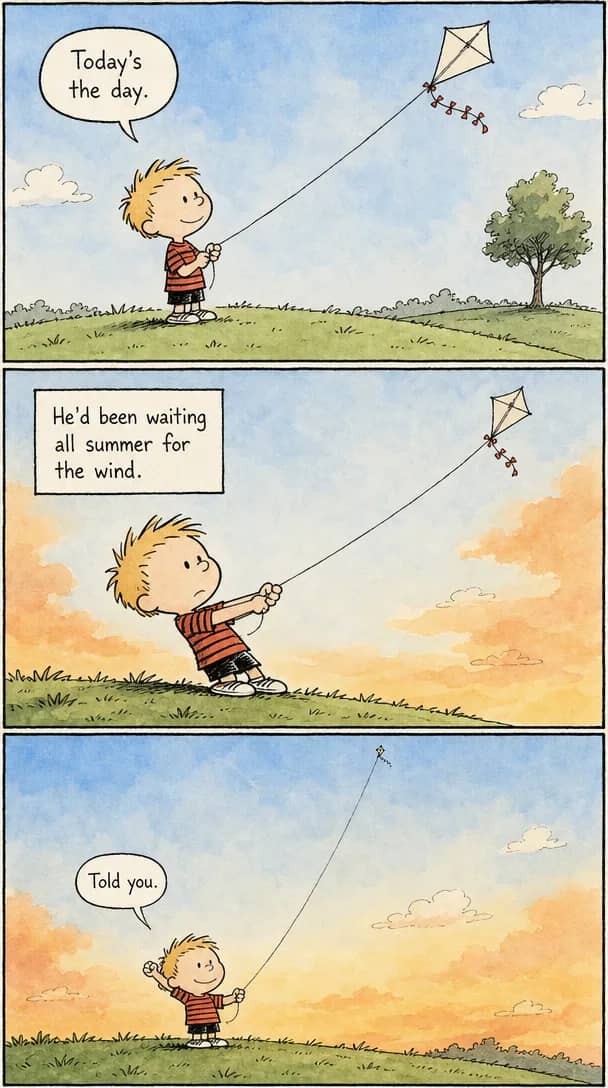
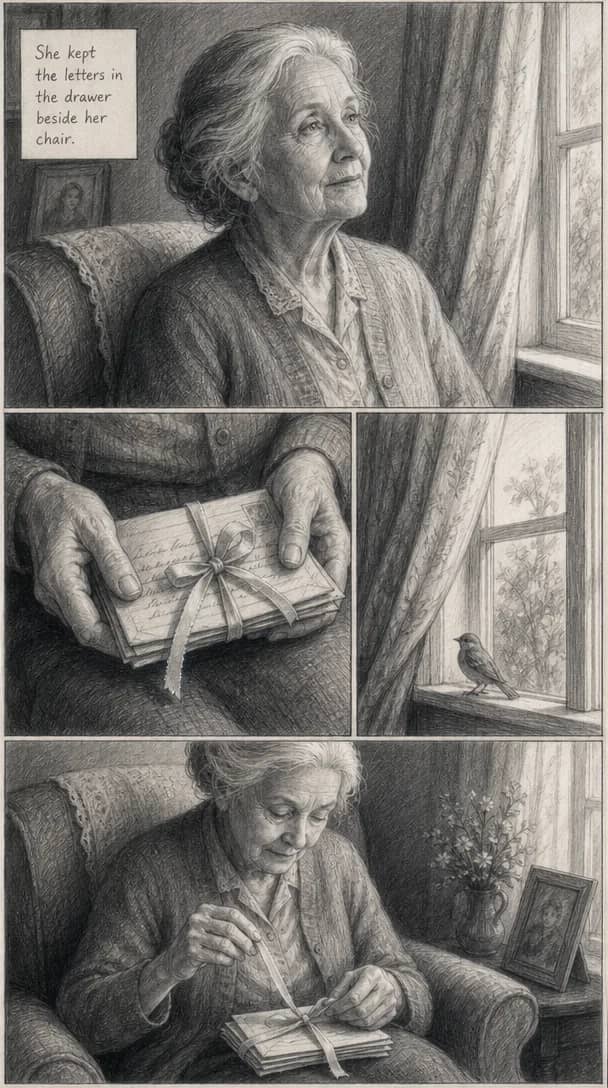
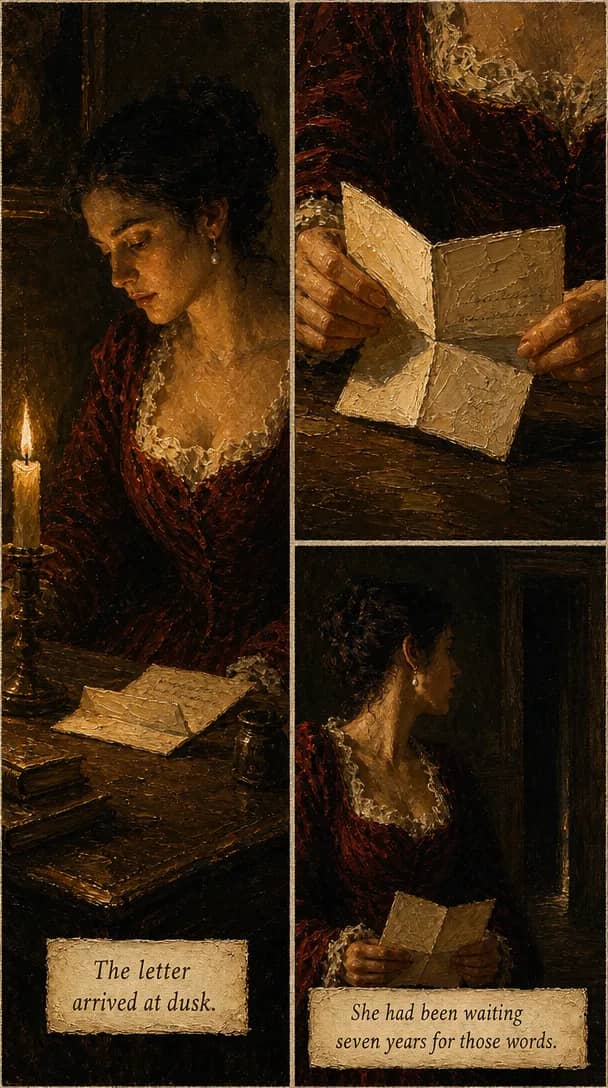
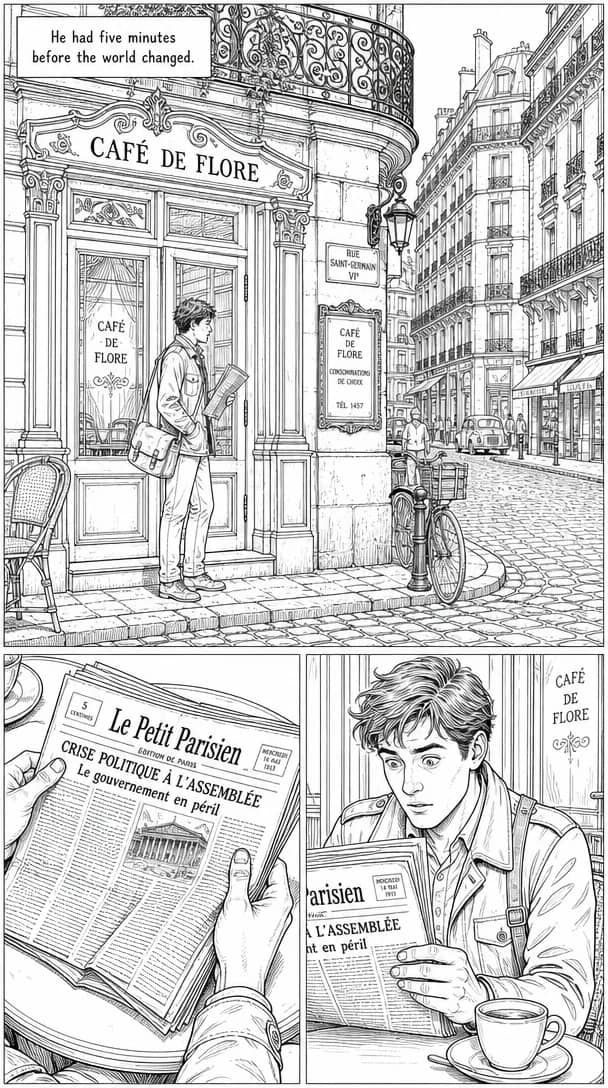
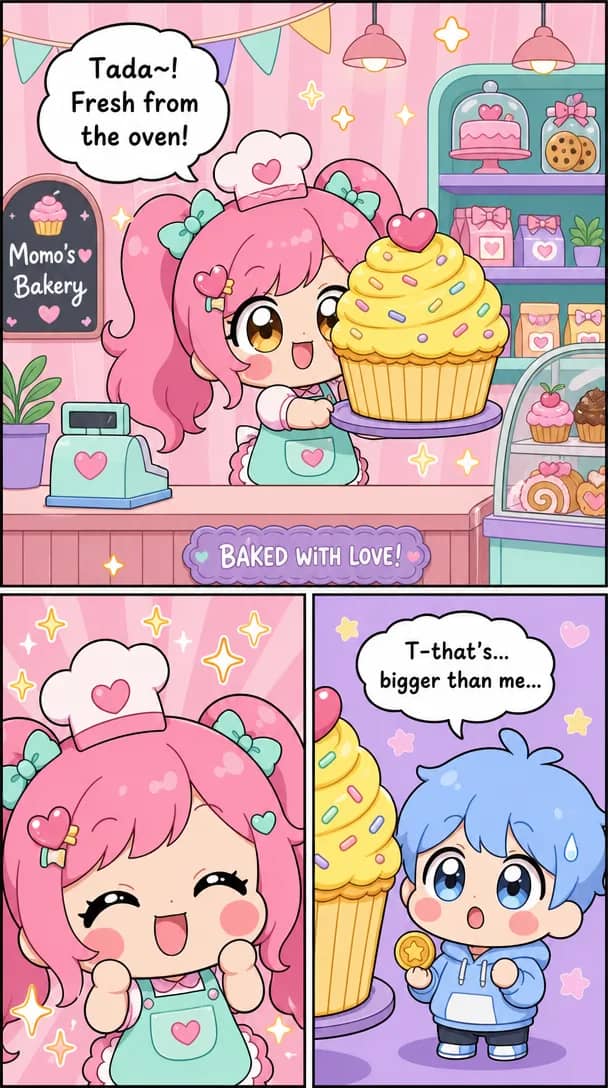
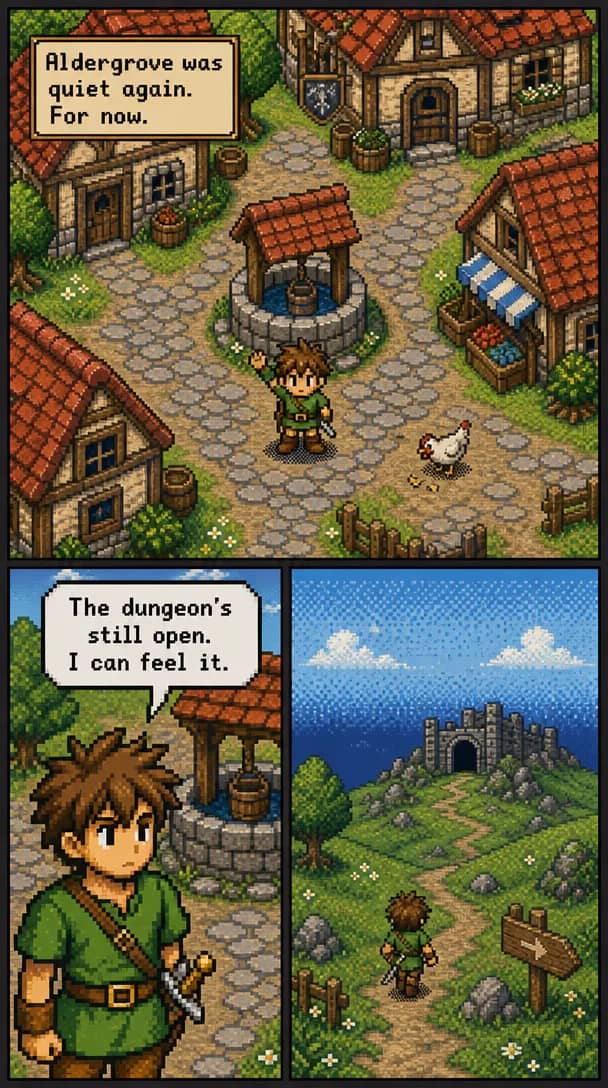
What comes out, and the proof it does
Four things that separate a comic you can publish from a pile of images that happen to share a prompt. Every one is shown with real output from the tool.
The same character, panel 1 to panel 80
Character consistency is the hard part of AI comics and the reason most tools produce a stranger every panel. Named characters from your text get a locked reference that every later panel is generated against.
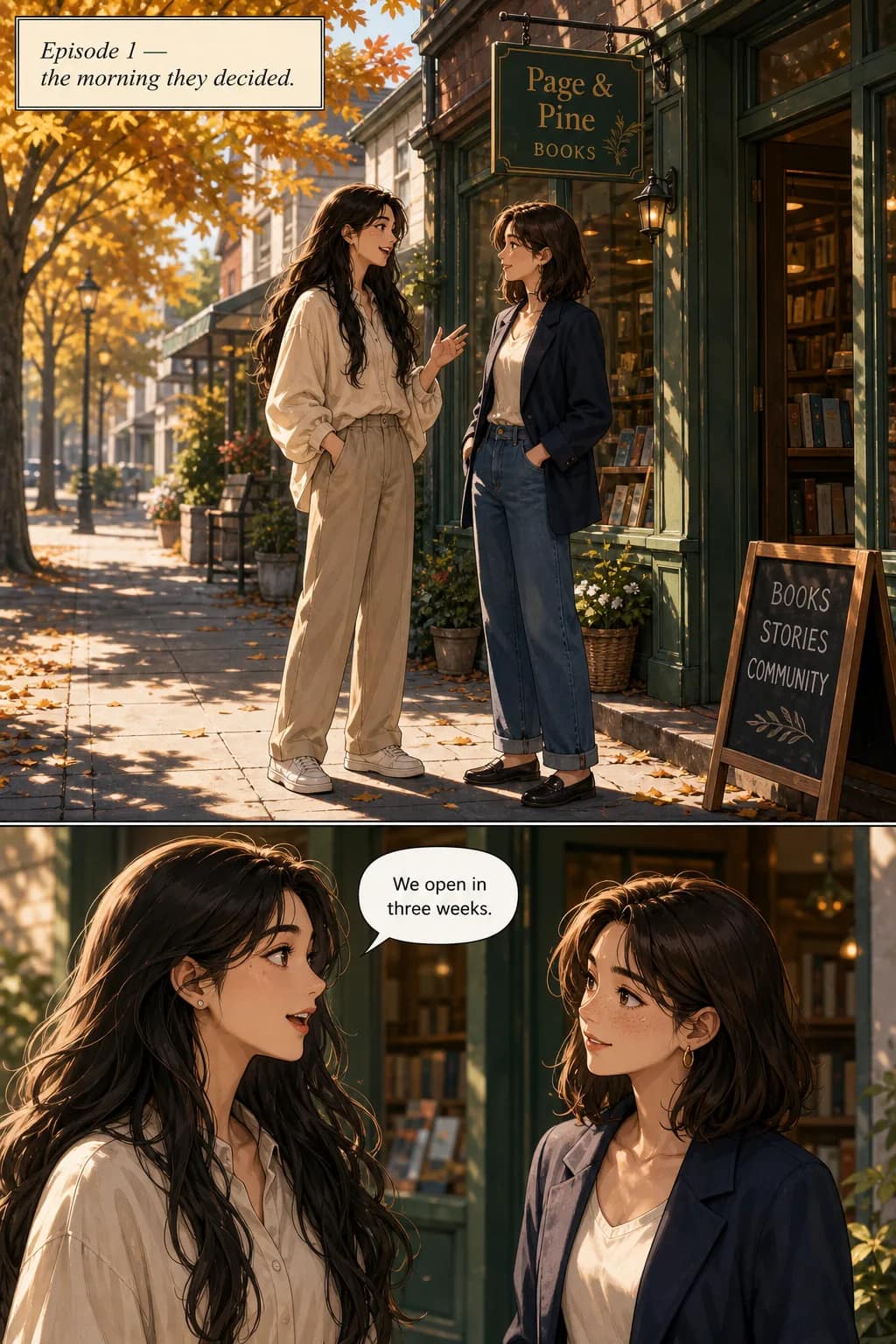
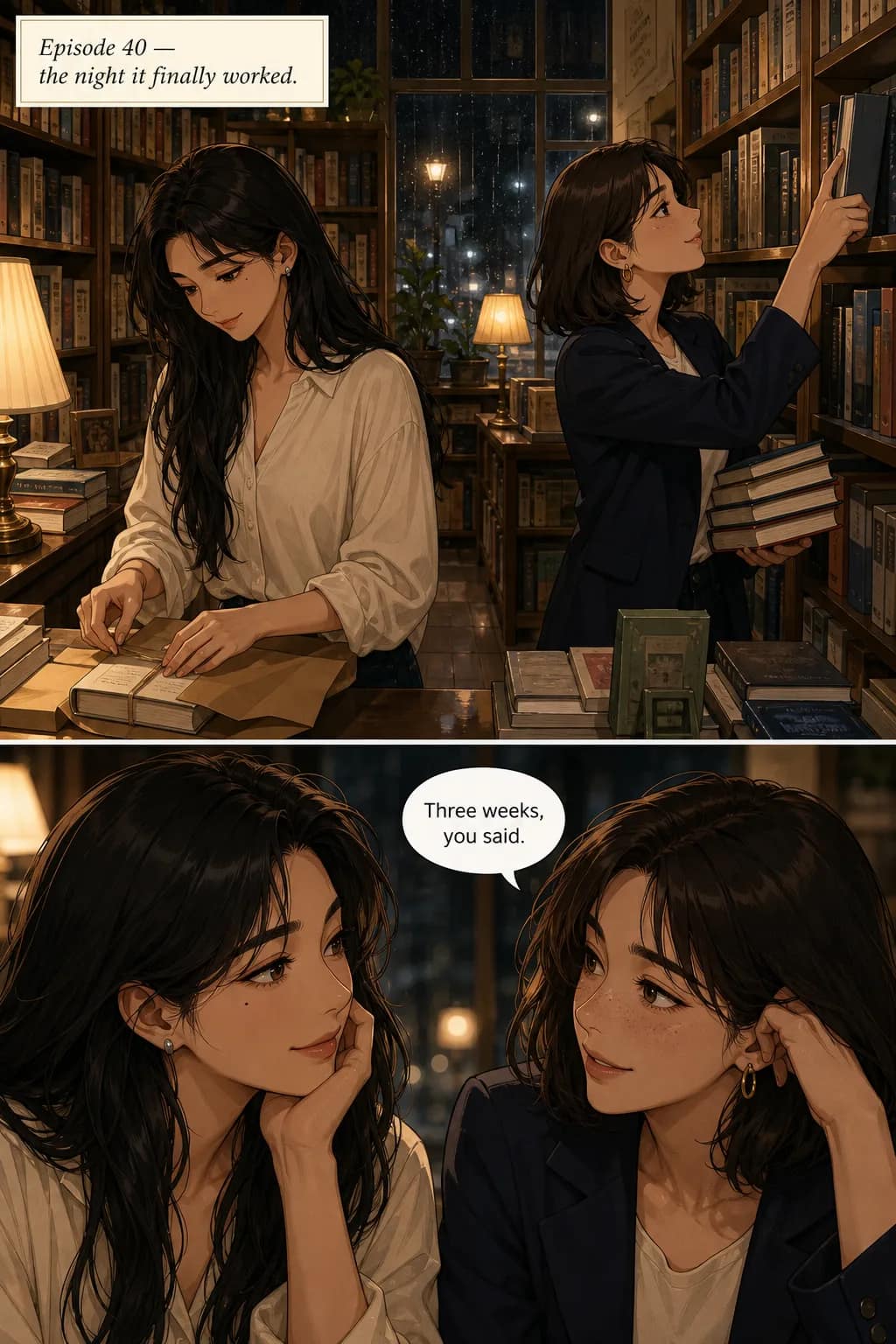
The same character on page 1 and page 30 of one run — same face, different scene, no re-prompting in between.
Redo one panel without touching the rest
If a single panel lands wrong, regenerate that panel alone. The character reference stays locked, so the redo returns the same person in the same style — only the thing you wanted changed moves.
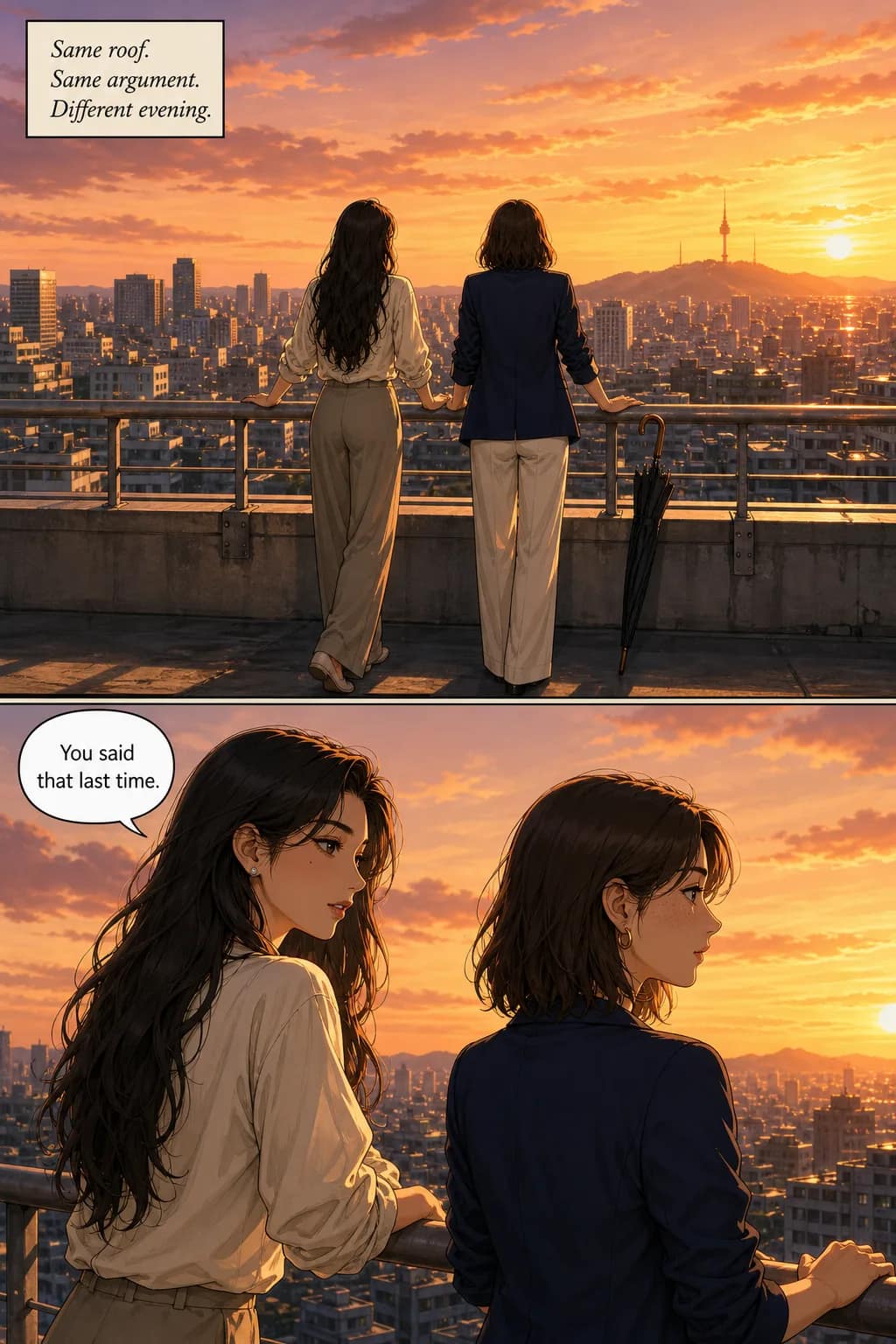
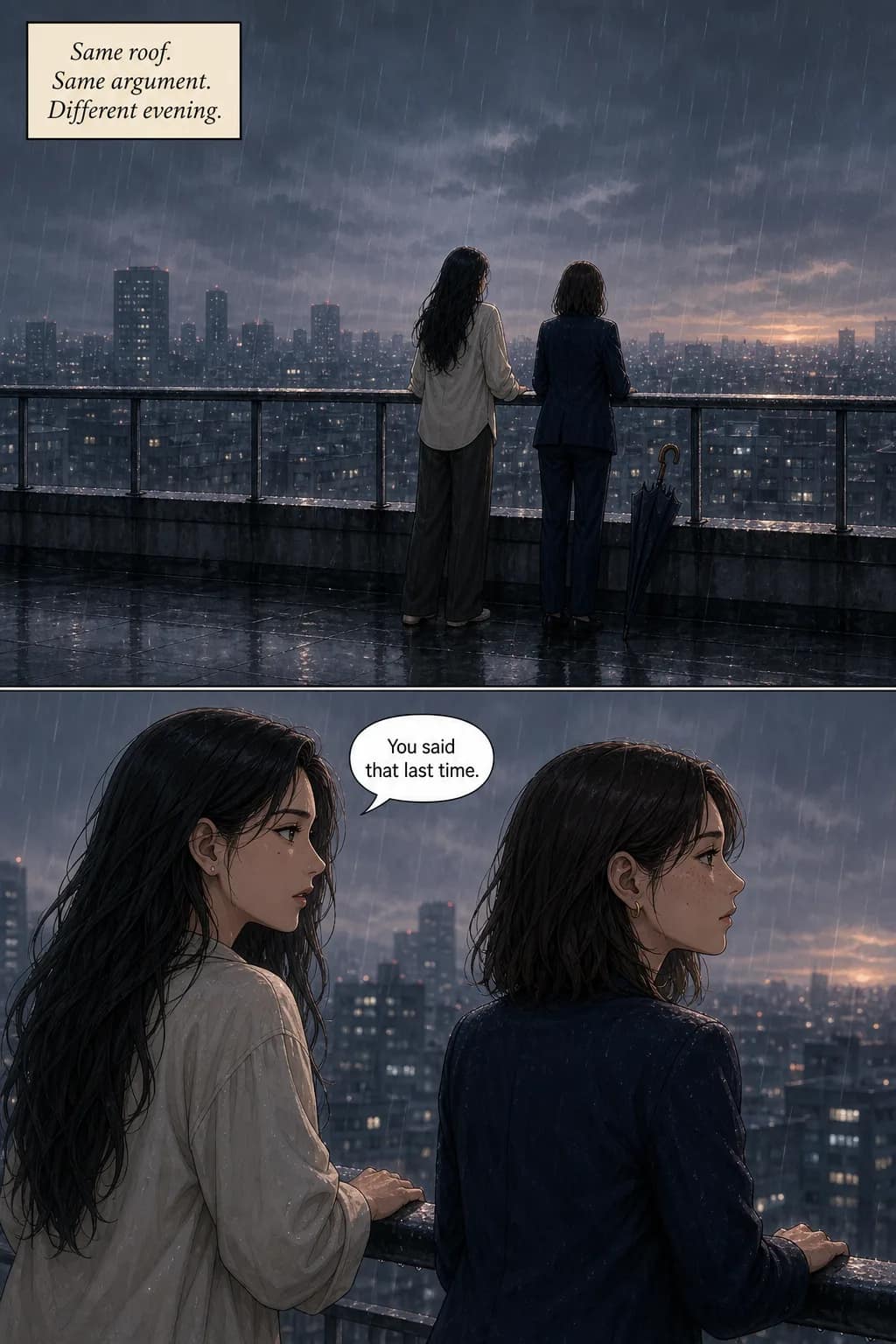
One panel regenerated from sunset to rain. Same character, same framing, same style — the weather is the only thing that moved.
Bring your own face
Upload a reference photo and the cast is built from it, so the protagonist is a specific person rather than whatever the model invents. The same locking applies — that face then holds across the run.

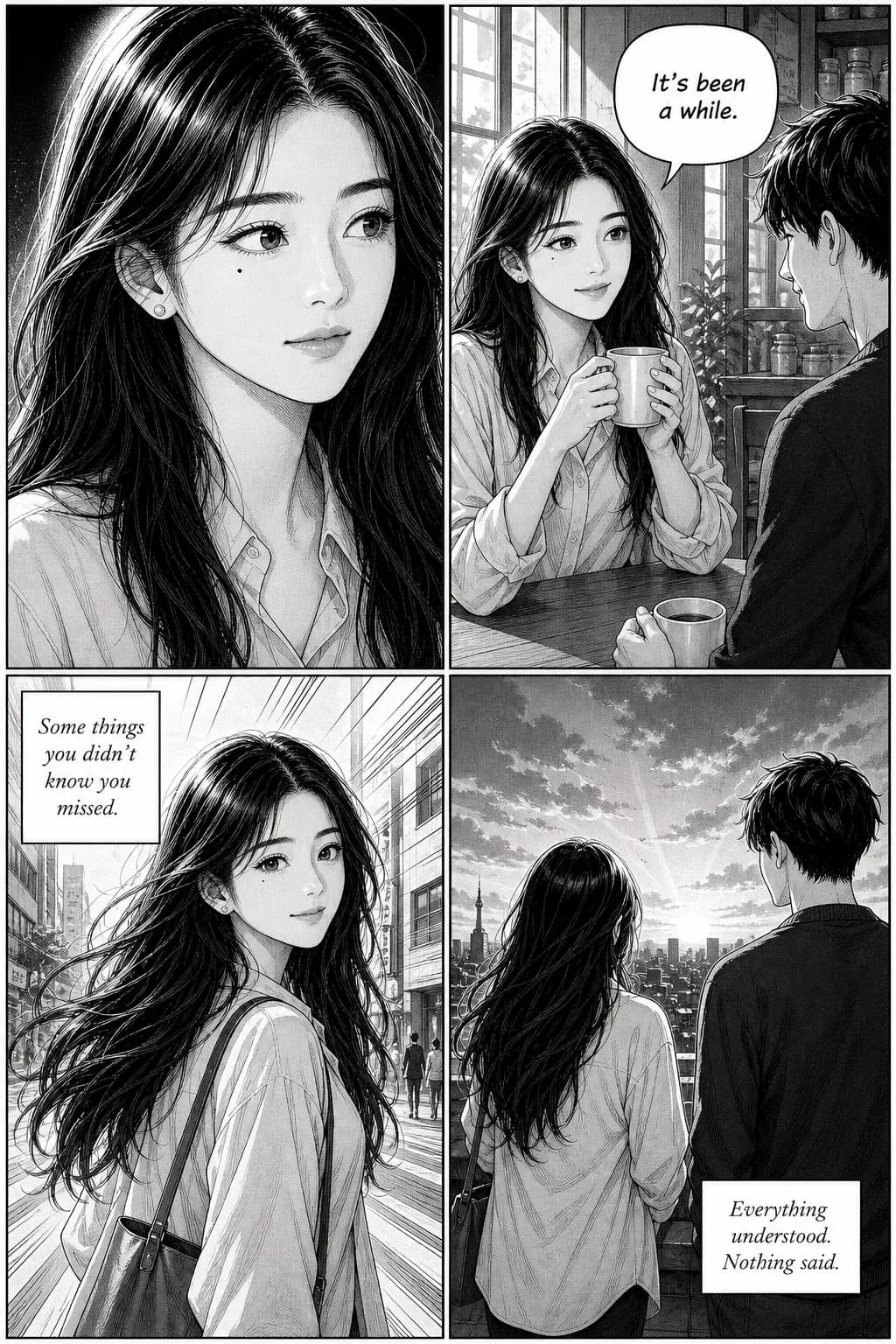
One uploaded reference, four panels generated from it — recognizably the same person in each.
Lettering in the language you write in
Dialogue is typeset in the language you asked for, not English art with subtitles bolted on. Thirty-four languages, with the bubble sized to the script it holds.
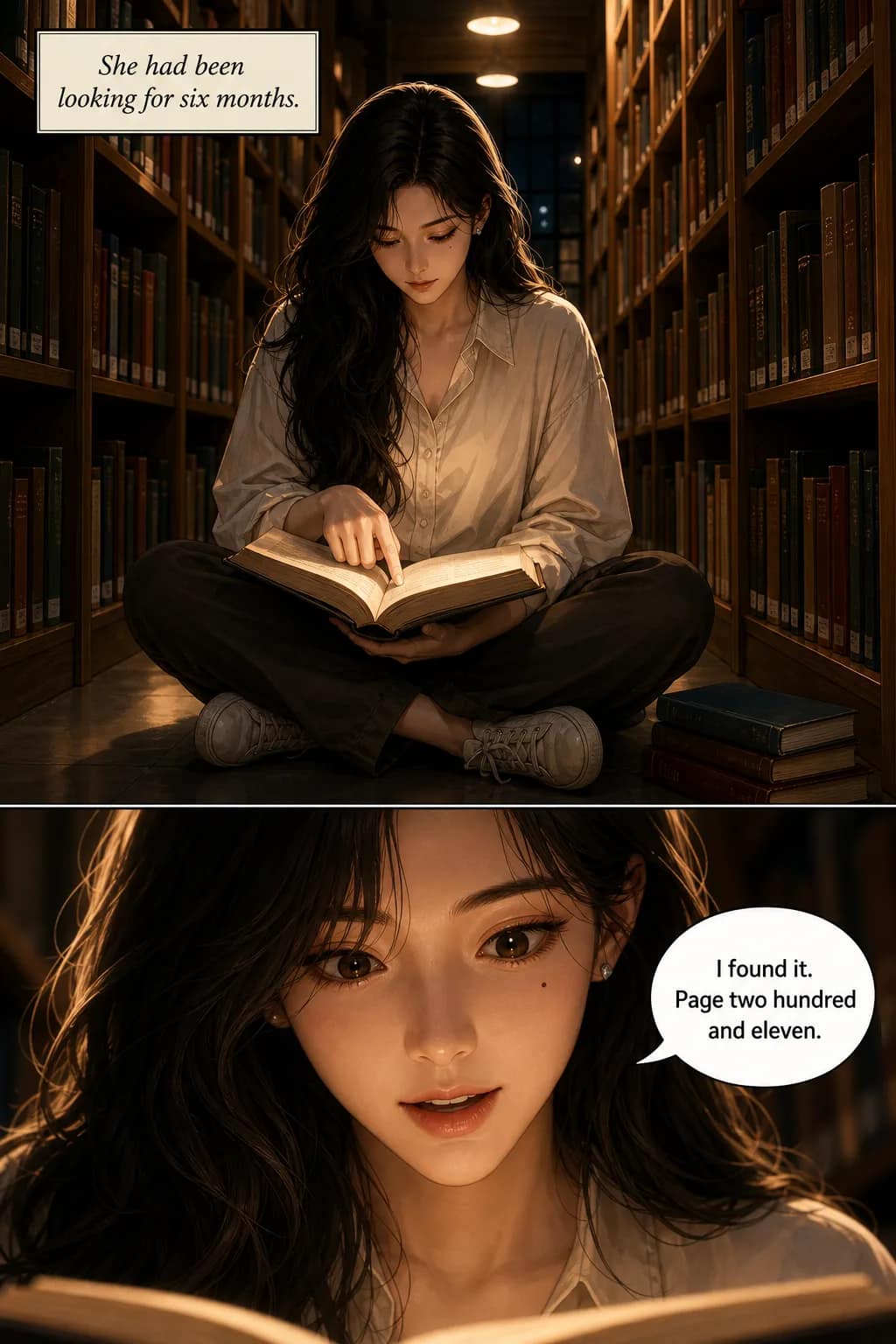
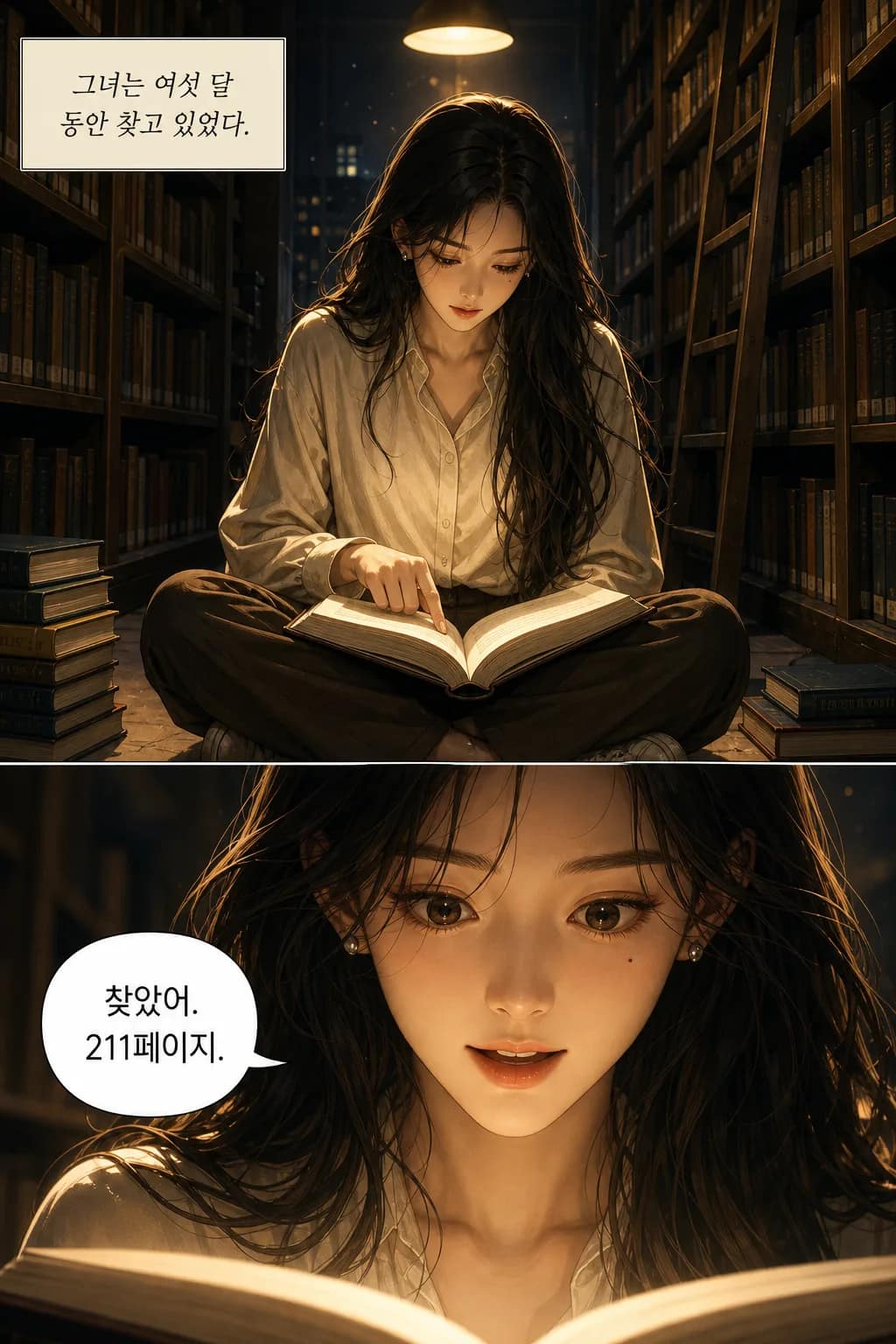
The same page generated twice, English and Korean — the lettering is part of the art in both.
And a way to actually publish it
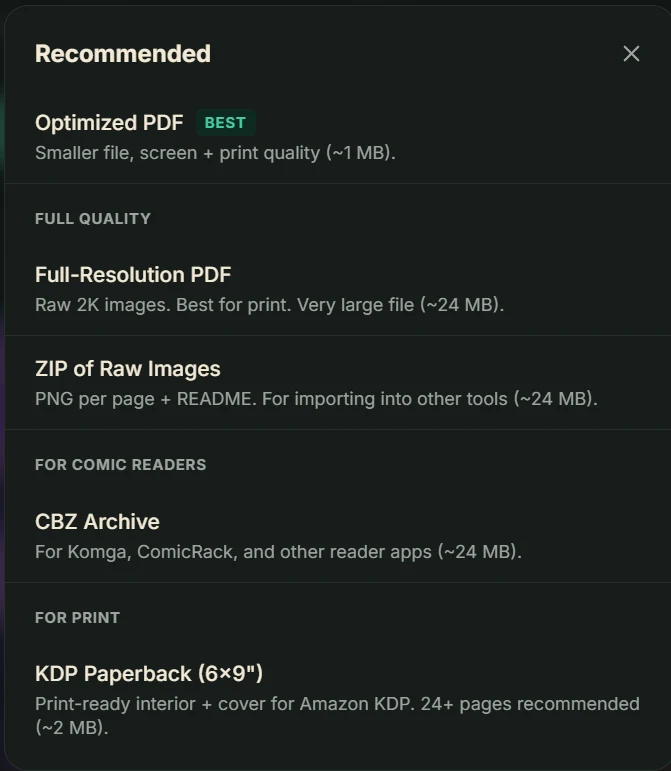
Generating panels is the middle of the job, not the end. When a run is finished it exports as an optimized PDF for sharing, a full-resolution PDF for print, a ZIP of raw PNGs for editing elsewhere, a CBZ for comic-reader apps like Komga and ComicRack, or a print-ready 6×9″ KDP paperback interior and cover.
The KDP route is the one nothing else in this category offers: a file Amazon will accept, straight out of the tool, without a designer in between.
And the rest of what you get
- Up to 400 pages in one run — long enough for a full volume, not a strip
- Thirty-six styles, plus your own — describe a look and the tool matches it
- Continue the story — pick up where a run ended with the same cast
- 34 languages — lettered in the language, not subtitled
- Five export formats — PDF, full-res PDF, ZIP, CBZ, and a print-ready KDP paperback
- Regenerate one page at a time — without redoing the run around it
Three input tiers — prompt, story, script
Most text-to-comic tools accept one input type: a short prompt. TaleAtelier accepts three, and adapts how it handles your text based on which tier you use. Pick the one that matches what you have.
Prompt
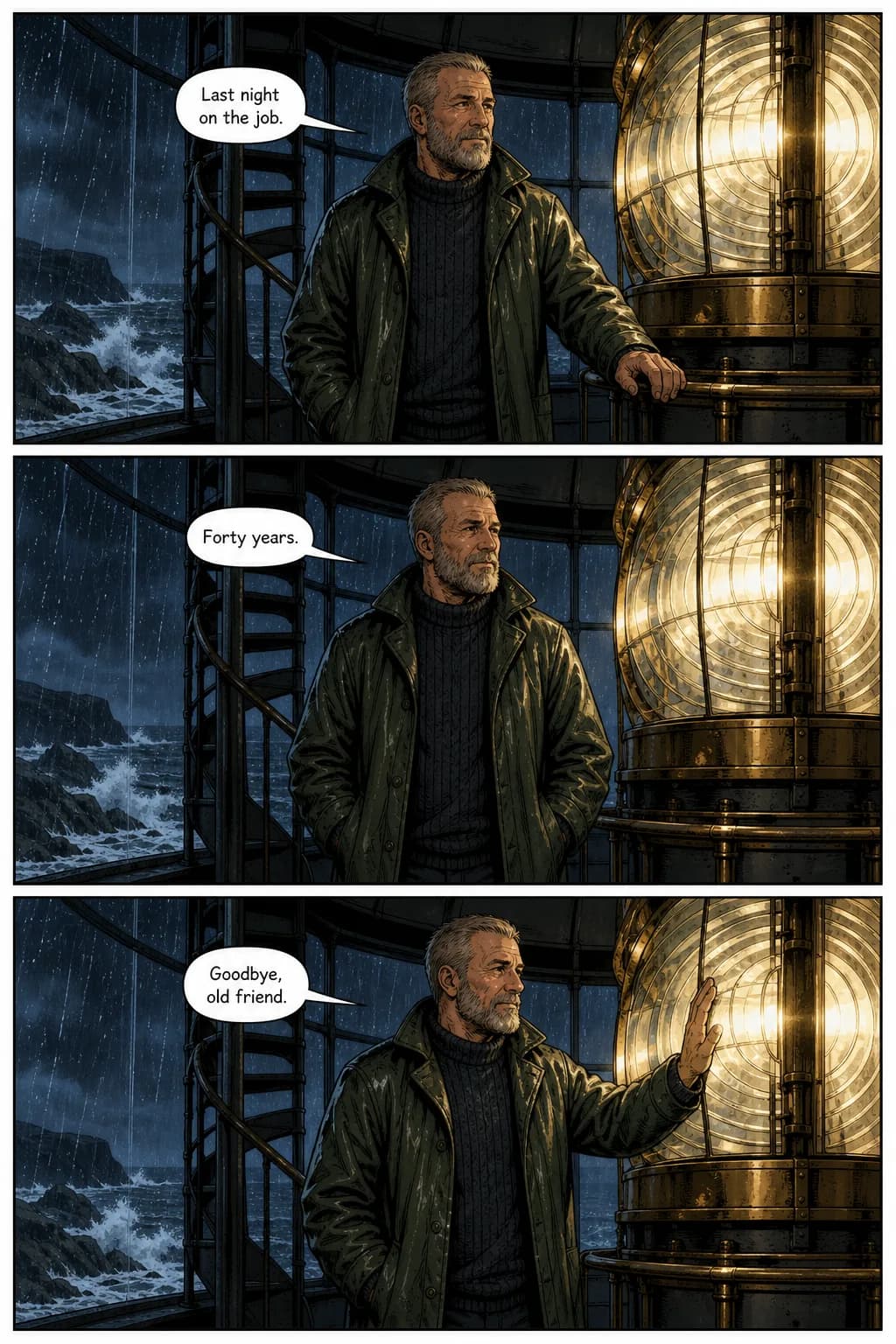
1–3 sentencesExample input: A lighthouse keeper works his last night before the light is automated.
What you get: Short comic (3–6 panels) — the tool fills in cast, scene beats, and dialogue automatically.
Best for: Quick ideas, social-media strips, testing a concept
Short story
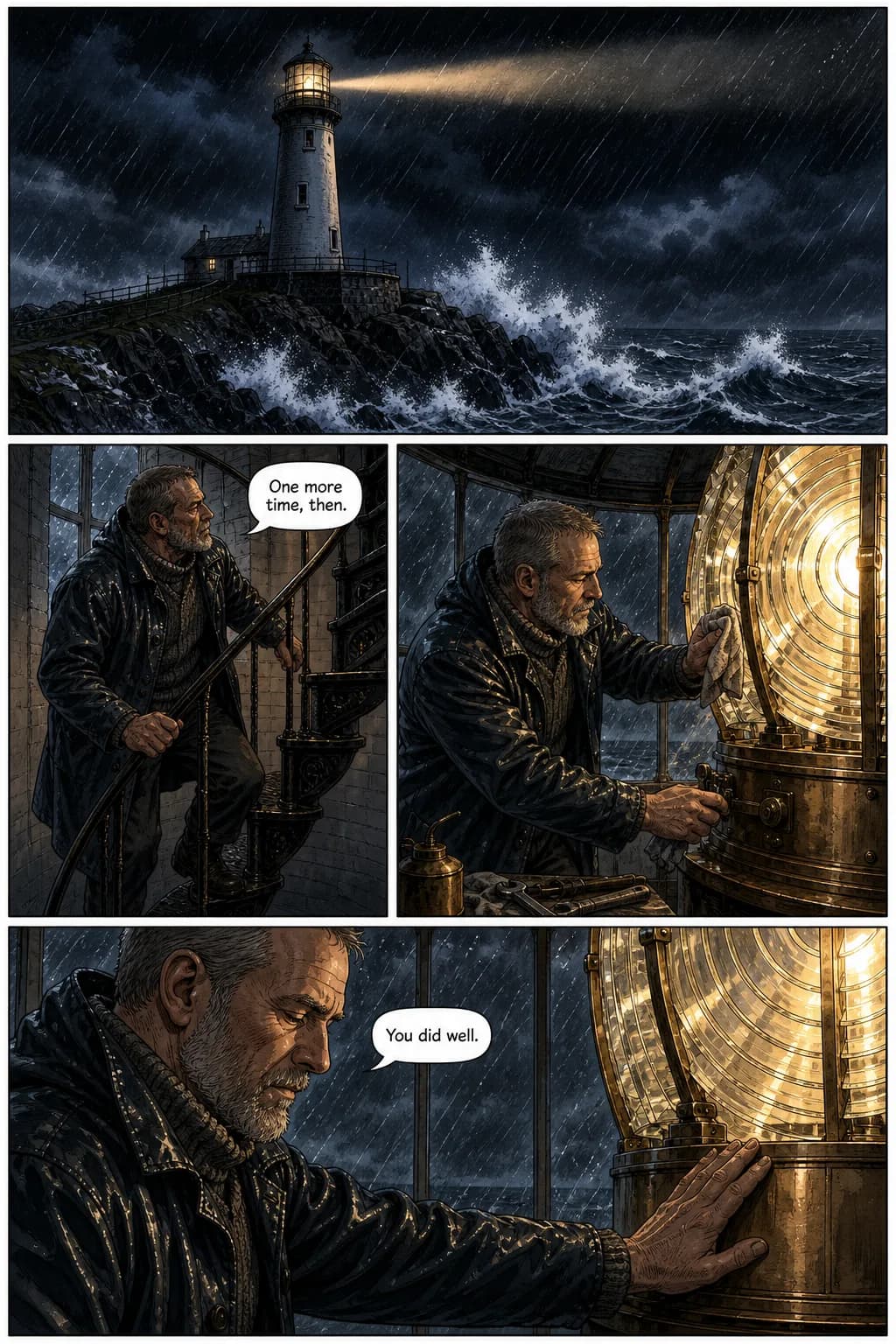
1–3 paragraphsExample input: The same keeper, but written out: the worst storm in years, the climb to the lamp room, the maintenance routine he has done for forty years knowing it will never be needed again, and his hand flat on the warm lens housing before he goes.
What you get: Medium comic (10–20 panels) — the tool extracts scene beats, characters, and dialogue you wrote.
Best for: Fanfic scenes, complete story beats, blog-post visualizations
Full script
Long-form paste (novel chapter, screenplay scene, story excerpt)Example input: The same scene again as a scripted breakdown: “PANEL 1 — EXTREME LONG SHOT from out at sea, the lighthouse small against a black sky… PANEL 5 — TIGHT ON HIS HAND flat against the warm metal housing.” Your novel chapter or screenplay scene works the same way.
What you get: Long comic (20–80 panels) — the tool breaks your text into panel-appropriate beats, extracts recurring characters, and preserves your dialogue.
Best for: Novel-to-comic adaptation, serialized publishing, existing manuscripts you want visualized
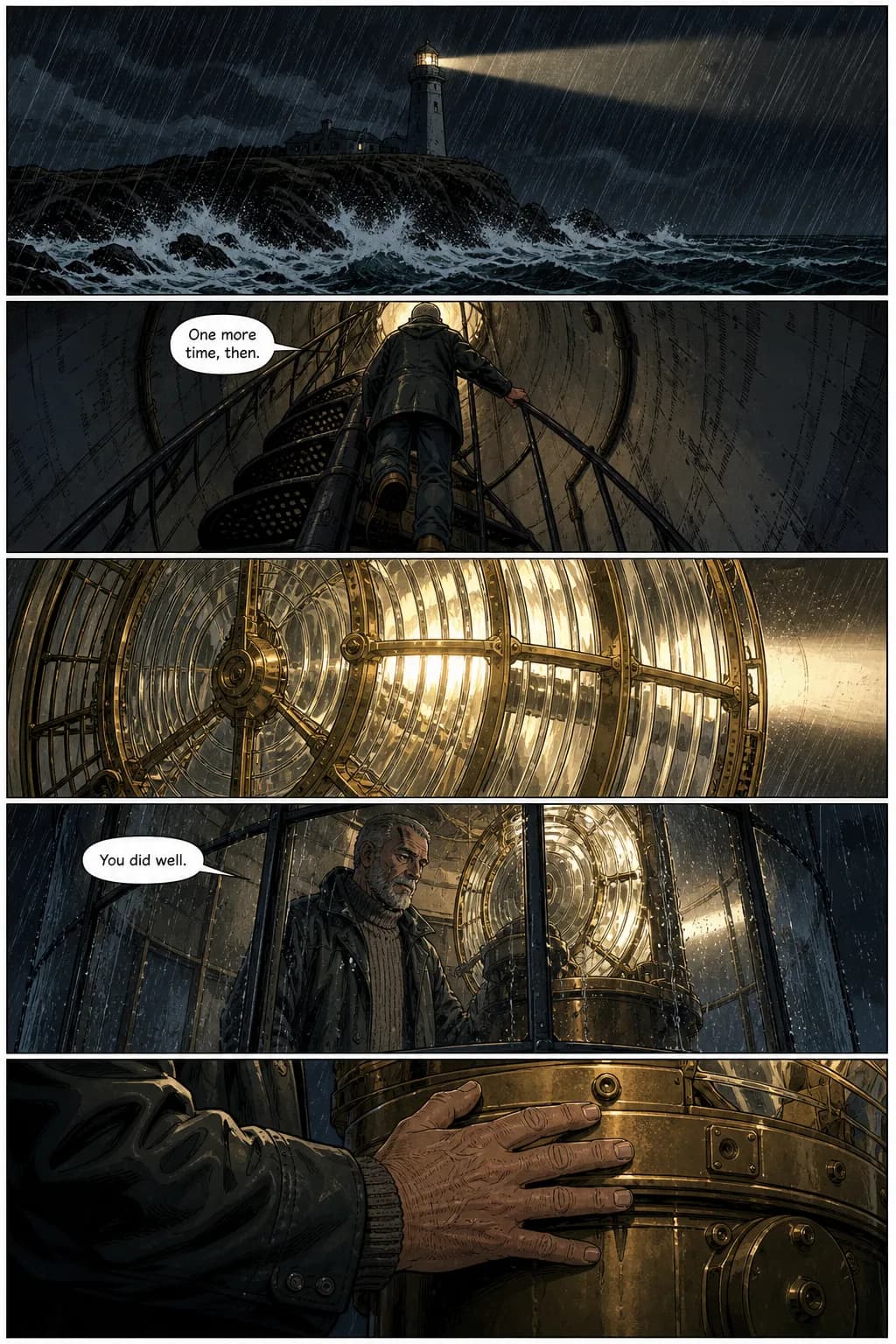
All three pages above are the same scene, the same character and the same art style, generated by the same model. The only thing that changed between them is how much the input said. That is the whole trade: a prompt gets you a comic, a script gets you your comic.
How text to comic works in TaleAtelier (4 steps)
Setup is fast. Character extraction and panel generation happen in the background — you just paste text and confirm the cast.
- 01
Paste your text
Prompt, short story, or full script — pick the input tier that matches what you have. TaleAtelier reads your text, identifies characters, scene beats, and dialogue automatically. No formal script format required; plain English works.
- 02
Confirm cast and style
The tool extracts named characters from your text and shows you the character references it will use. Confirm or refine each one — add a visual detail if needed. Pick your art style (any of thirty-six — comic, manga, manhwa, anime, noir, watercolor, cartoon, and more).
- 03
Generate the comic pages
Hit generate. TaleAtelier breaks your text into panel-appropriate beats, composes each panel with the right framing, places dialogue in speech bubbles, and applies your locked character references across every panel. Same face from panel 1 to panel 80.
- 04
Refine specific panels
Review the generated pages. If one panel drifts or lands wrong, regenerate that single panel — the character reference stays locked, so the redo pulls from the same anchor. Then export: optimized PDF, full-resolution PDF, a ZIP of raw PNGs, a CBZ for comic readers, or a print-ready KDP paperback interior.
Story to comic, script to comic — how long-form input works
If you have a written story, screenplay scene, or novel chapter already, TaleAtelier can adapt it into a comic without you rewriting anything. Paste the text, confirm the extracted cast, generate. The tool handles three things automatically for long-form input:
- Scene breaking. Your text gets split into panel-appropriate beats — one panel per visual moment, not one panel per paragraph.
- Character extraction. Named characters in your text become locked character references. Same face on every panel where the character appears.
- Dialogue preservation. Text in quotes stays as dialogue and gets placed into speech bubbles. Narration and description become scene composition, not text.
A typical novel chapter (2,000–4,000 words) turns into 40–80 comic panels. A single screenplay scene turns into 10–20 panels. Coins burn proportionally to output panels, not input text length — a long story with a short scene uses similar coins to a short prompt with dense output.
AI comic writer — writing and illustrating together
A text-to-comic tool isn't just an image generator with a text field. To produce a real comic, the tool has to act as both writer and illustrator — extracting scene beats from your text, deciding what happens in each panel, placing dialogue in speech bubbles with appropriate bubble shape, framing each panel for narrative pacing, and keeping characters consistent across all of it.
That combination is what separates a comic tool from a chat window. Ask ChatGPT or Gemini for a page and you get a page, and a good one. Ask for eighty and you are back at the prompt box every few panels, re-describing a cast the conversation has started to forget. TaleAtelier reads the whole text once, plans the panel budget across the run, and locks each character before the first panel is drawn — so page 80 knows what page 1 decided.
If you want to work as a “script writer” feeding scenes to the AI illustrator, use the full-script input tier. If you want more collaboration — outline in prompt form, let the tool fill in scene beats — use the prompt tier. Both work.
Want the technical version of how the character stays locked — including an honest comparison to Midjourney sref/cref, Stable Diffusion LoRA, Leonardo, Flux, and DALL-E? That lives on the consistent character AI pillar page.
Can ChatGPT or Gemini generate comics?
Yes, and well. We gave both ChatGPT and Gemini the same lighthouse premise used in the examples above. Both returned a composed multi-panel page, held the character across the panels, and lettered the speech bubbles themselves — ChatGPT went further and invented a keeper's logbook on the wall to carry the exposition. If what you want is one comic page, either is a good way to get one.
The difference is not the drawing — it is everything after it. A conversation gives you a page. Finishing a comic means holding one cast across hundreds of pages, fixing page 44 without disturbing 43 and 45, picking the story back up next week, and ending with a file a printer or a storefront will accept. That is the comparison below, tested .
| Tool | What you end up with | How far it runs | Fixing one page | Picking it back up | Getting it out | Best for |
|---|---|---|---|---|---|---|
| TaleAtelier | A finished comic — pages composed, lettered, and exportable | Up to 400 pages in one run, one locked cast throughout | Regenerate any single page; the rest is untouched | Continue the same story in a later session | Optimized PDF, full-res PDF, ZIP, CBZ, print-ready KDP paperback | A long comic you intend to finish, publish, or sell |
| ChatGPT | A good comic page — panels composed and speech bubbles lettered | A page or so at a time; long runs drift as context fills | Ask again and the whole image regenerates | Bounded by the conversation | Save the image; assembling a book is on you | One page, one idea, right now |
| Gemini | A good comic page — varied panel layout, lettered bubbles | A page at a time; no notion of a run | Ask again and the whole image regenerates | Bounded by the conversation | Save the image; assembling a book is on you | One page, one idea, right now |
None of this is a knock on ChatGPT or Gemini — both are very good at drawing a comic page, and for a single page either is genuinely the faster route. The gap is between generating comic art and finishing a comic, and that gap is about length, revision, continuity and export rather than about who draws better.
Plans and pricing
The preview at the top of this page is free and needs no account. Past that, TaleAtelier is a paid tool: generation burns coins, and coins are included in a monthly subscription. Every plan includes character consistency, all thirty-six styles, and all three input tiers.
- Starter — $9.99/mo: 2,000 coins per month. Enough for a couple of short comics or a mini-chapter from short-story input.
- Plus — $24.99/mo: 7,000 coins per month. Full-chapter work from script input, serialized publishing.
- Pro — $59.99/mo: 20,000 coins per month. High-volume novel-to-comic adaptation, studios.
Monthly plans, cancel anytime. Full plan details and one-time coin packs on the pricing page.
When another tool fits better
TaleAtelier isn't the right tool for every text-based creative workflow. Honest routing:
You want photo input, not text input. Use our photo-to-comic for any style, or photo-to-manga for manga specifically.
You want manga specifically, not any comic style. Our AI manga generator is the manga-focused text-to-comic workflow with genre-specific styles and baked-in speech bubbles.
You want the general AI comic tool with all input types. Our AI comic generator covers text, photo, and hybrid workflows across all thirty-six styles.
You want a short strip specifically (3–9 panels). The comic strip maker has panel-count guidance and 15 story-starter ideas for short-form work. Text-to-comic scales up; strip-maker is purpose-built for the strip format.
You want to fill a blank template rather than generate from text. See comic book templates — 3-path guide with printable PDFs, digital editors, and AI-fill.
You want one comic page, not a comic. Use ChatGPT or Gemini. Both compose a page and letter the bubbles, and for a single page that is the shorter route. Come back when you want it to run to eighty pages with the same cast and come out as a file you can publish.
Frequently asked questions
- Is TaleAtelier's text-to-comic free?
- Partly, and the line is worth stating plainly. The preview on this page is free and needs no account: paste your text and you get a cover and a first page generated from it. Beyond that, TaleAtelier is a paid tool — generation burns coins, and coins come with a monthly subscription (Starter $9.99, Plus $24.99, Pro $59.99). So: seeing what your story looks like as a comic costs nothing, and finishing it costs money. We rate-limit the free preview per visitor because the compute behind it is real.
- How long can my text input be?
- Three tiers. Prompt = 1–3 sentences (short comic output). Short story = 1–3 paragraphs (medium comic output). Full script = long-form paste up to a novel chapter (long comic output, 20–80 panels). Longer text produces more panels, uses more coins. Pick the tier that matches what you have.
- Can I paste a whole novel chapter?
- Yes — that's what the full-script tier is for. Long-form paste is handled with automatic scene breaking, character extraction, and panel-budget allocation. Longer text = more panels = more coins. A typical novel chapter (2,000–4,000 words) becomes 40–80 panels. Plan your coin budget accordingly.
- How does dialogue placement work?
- Include dialogue in quotes in your text and TaleAtelier places it into speech bubbles automatically. “Mira raises her hand and says ‘So it's you’” produces a panel where Mira has her hand raised and a speech bubble reads 'So it's you.' Bubble shape adapts to the moment (round for speech, spiky for shouting, cloud for thought).
- Can I sell a comic I generated, or publish it on Amazon KDP?
- Yes to both. The output is yours to sell, and the export menu includes a print-ready 6×9″ KDP paperback interior and cover alongside an optimized PDF, a full-resolution PDF, a ZIP of raw PNGs, and a CBZ archive for comic-reader apps. Two caveats that are about the platforms rather than about us: some storefronts require you to disclose AI involvement when you upload, and copyright offices in several countries — the US among them — currently register only the parts of a work a human authored, which affects what protection you can register rather than your right to publish and sell. Check the rules of wherever you are publishing before you upload.
- Do I own the rights to the generated comic?
- Yes. Under the standard TaleAtelier license you own the pages you generate, and you can publish, sell, or monetize them. We claim no ownership over your output and no right to resell it. The full terms are on the terms page.
Related tools on TaleAtelier
AI comic generator — general multi-input comic tool covering text, photo, and hybrid workflows across all thirty-six styles.
AI manga generator — manga-focused text-to-comic with genre-specific styles.
Photo to comic — photo-input path for character-consistent comics.
Photo to manga — photo-input path for manga-specific output.
Consistent character AI — pillar page explaining character consistency and comparing across every major AI tool.
How to make a webtoon — full webtoon-creation guide if you plan to publish in vertical-scroll format.
Manga vs manhwa vs manhua — the definitional guide to the three national comic traditions, useful before picking output style.
También disponible en español: Generador de cómics con IA — comics, manga, historietas y webtoons desde texto o foto.
Turn your text into a comic
this week.
Paste your text into the preview above and see your cover and first page without an account. When you want the rest, plans start at $9.99/month and cancel anytime.
Paste your textLast reviewed . The ChatGPT and Gemini comparison was tested first-hand on by running the same premise used in the input-tier examples above.